
In today’s article, we will be sharing our IPTV Pro Stream Player review. We will test it and install it on our Android phone to see whether it works well without any issues or obstacles.
Our goal is to show you the app’s performance and overall user experience.
Table of Contents
What is Iptv Pro Stream Player?
This IPTV Pro stream player is an IPTV app designed to let users stream live TV and watch movies and series with ease. After you download and open the app, you can manage playlists and enjoy a smooth interface that offers an ultimate viewing experience. It works in almost any region and supports various sources without complication. Whether you prefer live channels or on-demand content, the latest updates improve stability and reduce any issues, making streaming enjoyable and straightforward.
My experience
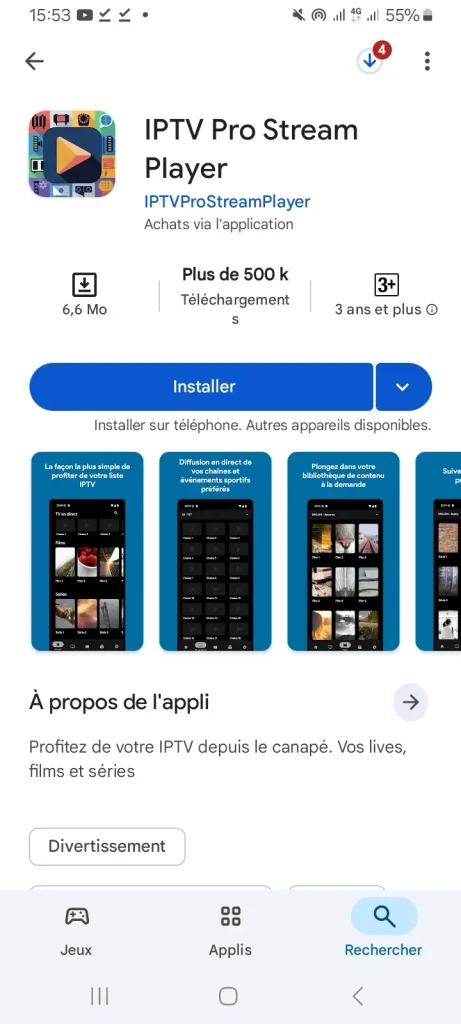
We will first download the application from Google Play.
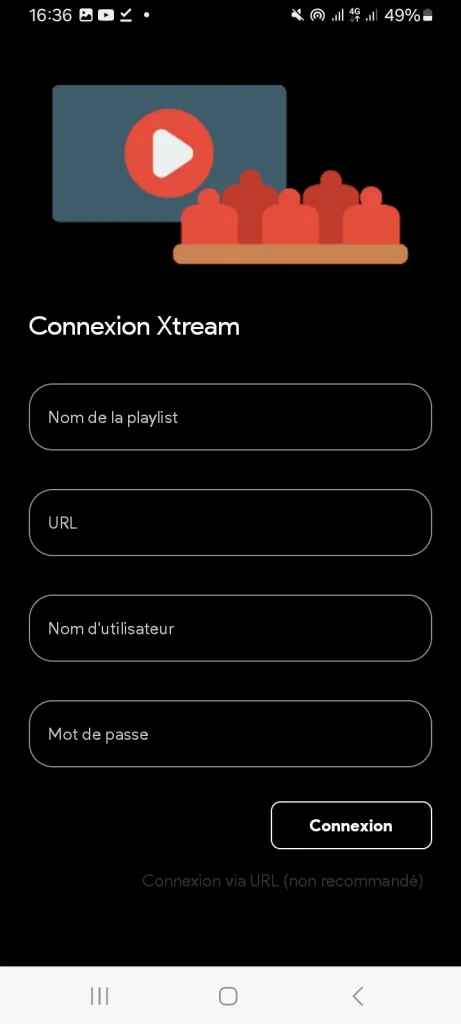
The app will directly take you to fill in the information related to Xtream Codes.
After entering the required details, you will then add your playlist.
Find also our Review of IPTV Smarters Pro
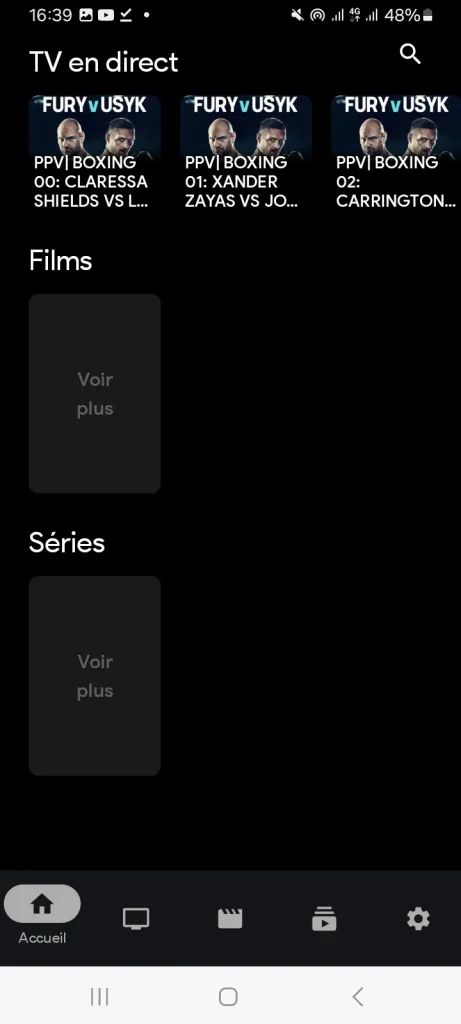
And after that, you will find that the playlist has been added successfully.
Alternatives
Zen IPTV player
This application comes with many features that allow the user to enjoy their content easily and in high quality. It provides access to live TV channels, replays, movies, and series through a clean and polished interface similar to major streaming platforms. It supports 4K, HDR, and Dolby Vision, along with subtitles and multiple audio tracks. Additionally, it includes Picture in Picture mode, user profiles, and the ability to save favorite channels and content for quick access later.
ORA IPTV Player
ORA IPTV Player is considered one of the most widely used IPTV applications for Android users, as it offers an easy-to-use interface and powerful performance for streaming live TV without interruptions. The app supports M3U playlists and Xtream Codes, along with compatibility for various video and audio formats. It also provides high-quality playback with customizable subtitles, and is fully optimized for Android TV, making it ideal for large screens and a smooth home entertainment experience.
IPTV Smart Purple Player
The Purple IPTV Player is a practical streaming app for Android devices that supports Live TV, VOD, and catch-up features. It allows users to load and manage their iptv playlist easily and enjoy smooth playback with 4K support, subtitles, and dual audio options. The app also offers fast channel switching, a built-in video player, parental control, and the ability to cast content to Smart TVs, making it a complete and user-friendly IPTV viewing solution.
Recommended guides :
Top 6+ IPTV Apps for iPhone, IOS, and More
Conclusion
We have shared our honest IPTV Pro Stream Player review and explained how to use it step by step. We hope this article has been helpful and provided you with valuable insights. Don’t forget to share your thoughts and experiences in the comments.

I’m Marin Key, a passionate English content writer with a background in computer science. I enjoy creating clear and engaging articles, especially on topics related to movies, TV series, and technology.