
In today’s article, we present our Zen IPTV Player review for iOS, including how to download and use it. We will also highlight its most important features and capabilities. Stay with us to discover this excellent application.
Table of Contents
What is Zen IPTV Player?
Zeen IPTV Player is a media player that loads your content and displays it in a clear and elegant interface, available on all iOS devices. It offers many features, including live TV channels, replays, movies, and series. It also supports 4K HDR and Dolby Vision, provides subtitles and audio tracks in multiple languages, and includes an electronic program guide. In addition, it includes a Picture-in-Picture feature and automatically groups different versions of a movie, series, or TV channel.
For Android users, we recommend: Zen IPTV Player Review (Android)
My experience :
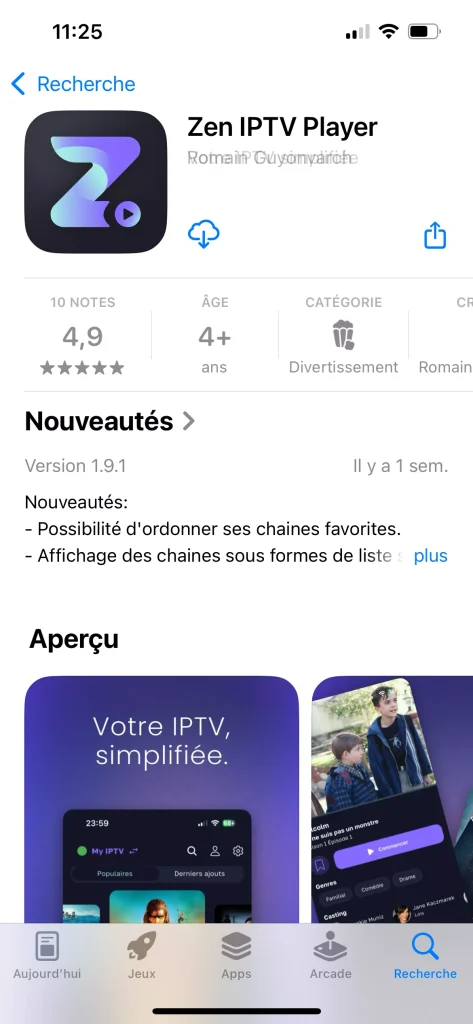
To begin our experience, we will first download the app from the App Store.
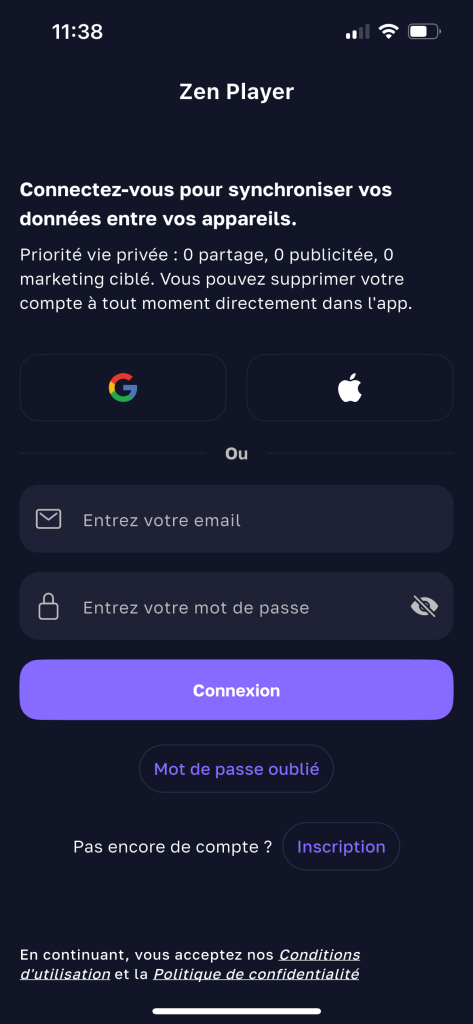
After opening the app, we will accept the app’s terms and policies.
We will need to register an account to use the application.
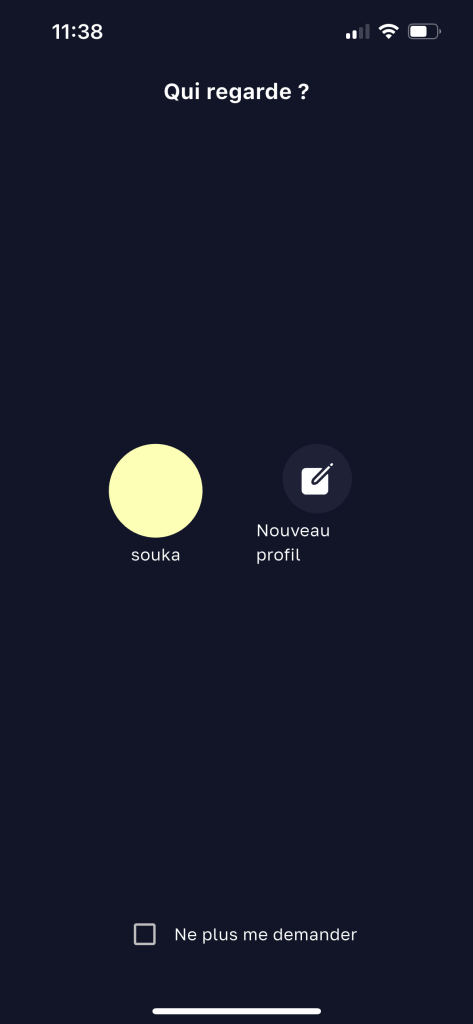
We will add our personal profile.
From here, we will add the playlist.

After that, we will add an Xtream Codes playlist.
We will fill in the required information: the playlist name, the username, the password, and the server URL
Looking for the best IPTV providers? Click here to find out.
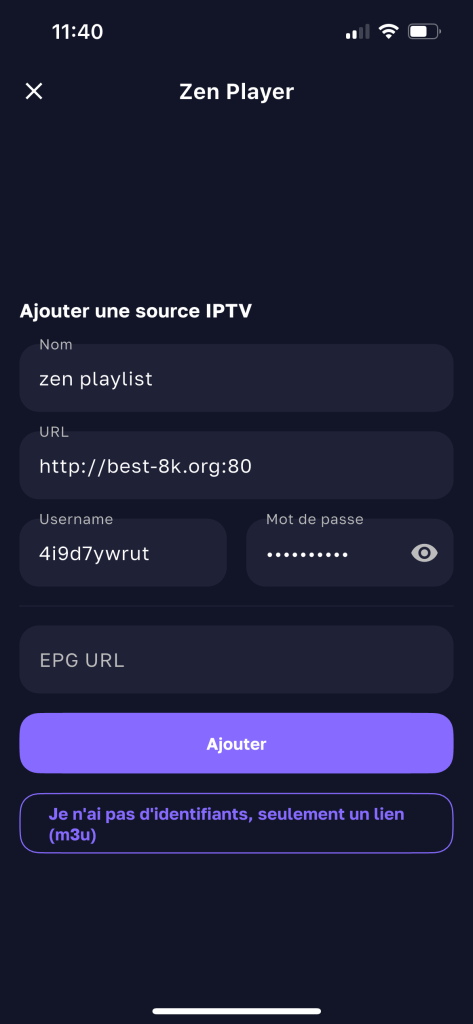
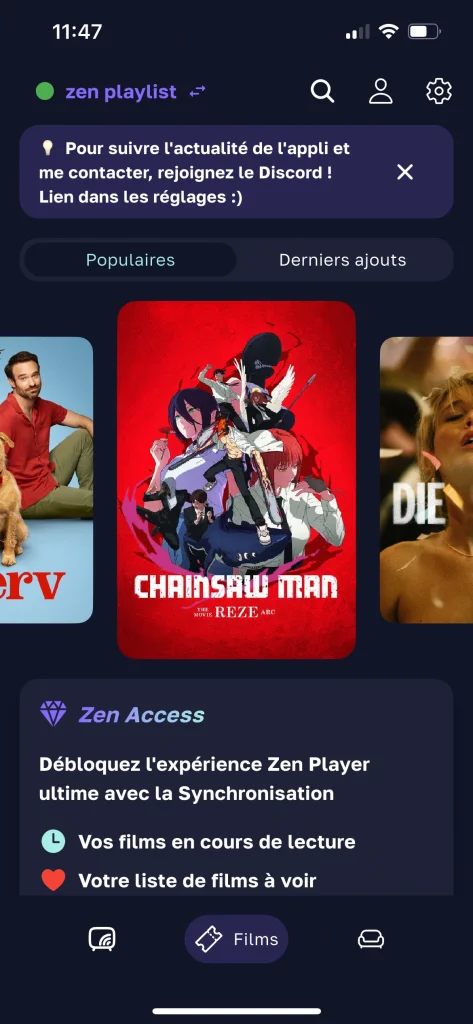
We will wait a few moments for the content to load, and after that, you will find a playlist ready to watch.
Alternative apps :
Iptv Pro :
IPTV Pro offers a professional viewing experience with full support for formats like M3U and M3U8, along with high-quality live TV and VOD streaming. It includes an EPG guide, Picture-in-Picture mode, smart controls, and multi-language subtitles. With its smooth interface and stable performance, IPTV Pro delivers a complete, reliable, and enjoyable streaming experience.
Iptv smart player :
This player supports a wide range of formats, so you can enjoy your favorite videos anytime, anywhere. It also lets you create your own personal library for quick access to your preferred content. In addition, it provides high-quality playback with excellent resolution and supports multiple formats, including MPV, PLS, M4R, and more.
Explore more of the best IPTV apps for iPhone & iOS
IPTV + :
This player lets you watch live TV, movies, and videos in high-quality, smooth streaming on all Apple TV, iPad, and iPhone devices. It also supports M3U files and Xtream links, and you can use it anywhere at home or while traveling as long as you have an internet connection.
Guides you shouldn’t miss :
Conclusion :
In this Zen IPTV Player review for iOS, we tested the app, and our experience was smooth, successful, and easy to use. We hope you found this helpful. Don’t forget to share your thoughts in the comments.

I’m Marin Key, a passionate English content writer with a background in computer science. I enjoy creating clear and engaging articles, especially on topics related to movies, TV series, and technology.