
If you’re looking for a Smarters IPTV Player review, you’re in the right place. Our team provides a brief guide explaining how to use the app, add and organize channels, and explore its key features to ensure a smooth and enjoyable viewing experience.
Table of Contents
What is smarters iptv player ?
Smarters IPTV Player is one of the best professional media players. It is optimized for fast streaming and easy to use. It works smoothly with M3U playlists and provides high-quality content without interruptions. It offers a reliable and seamless viewing experience with stable performance.
New to IPTV? We recommend reading: What is IPTV and how do I get it
My experience :
The first step is to download the app from the app Store.
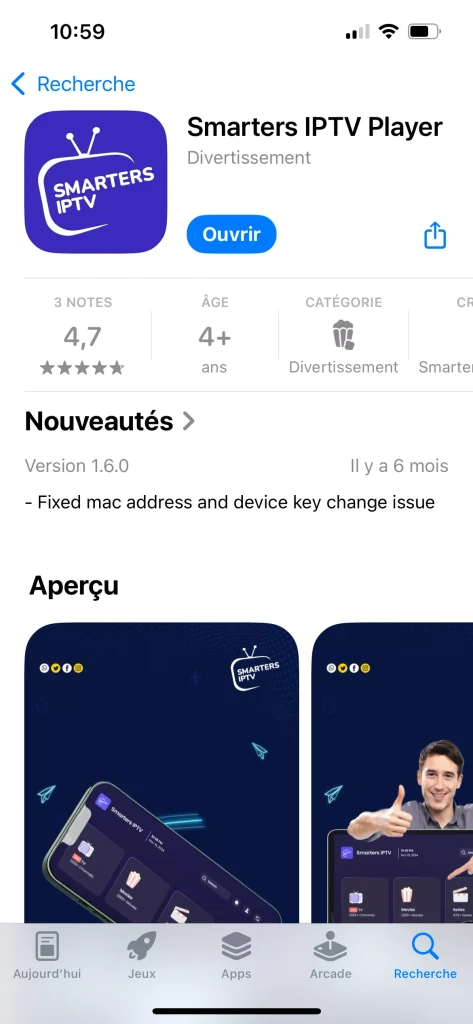
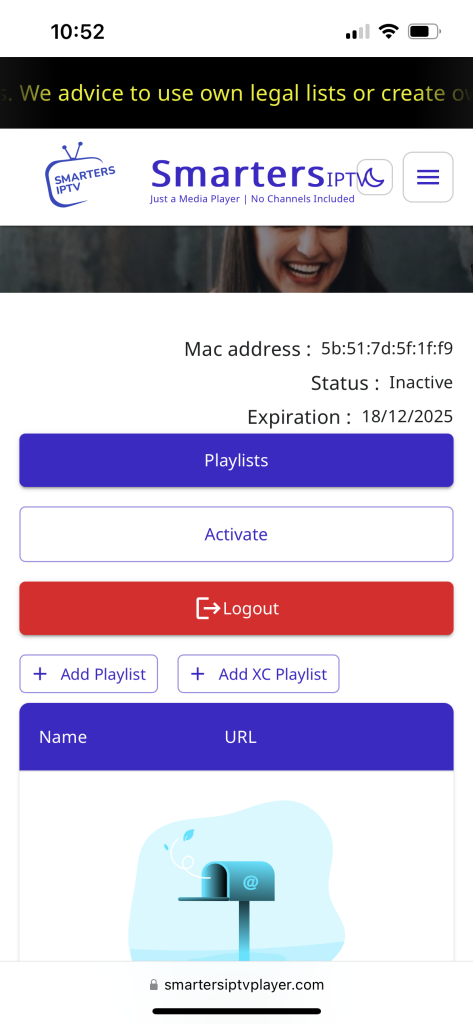
After downloading it, we will open the app, and then we will find the information provided by the application to follow in order to add the playlist.
Next, we will go to the link shown in the screenshot.
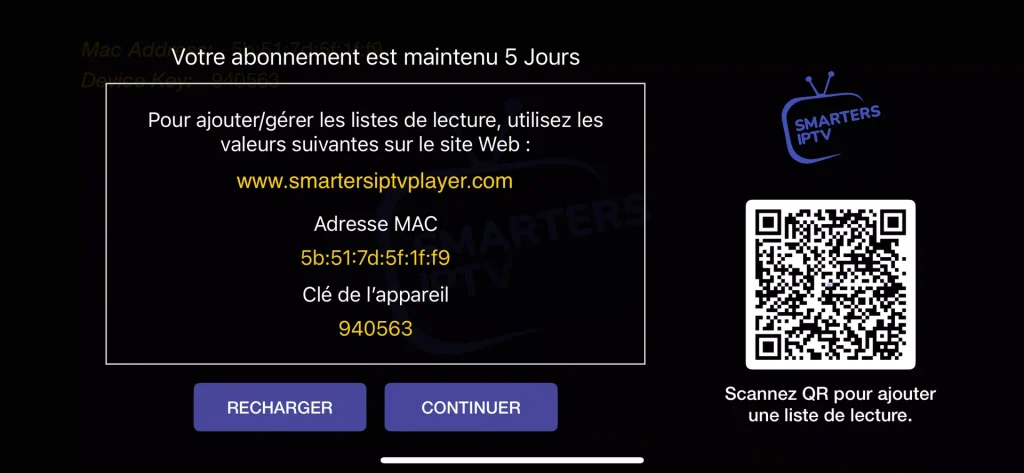
We will copy the information provided by the app on the main screen and paste it under “Manage Playlists.”
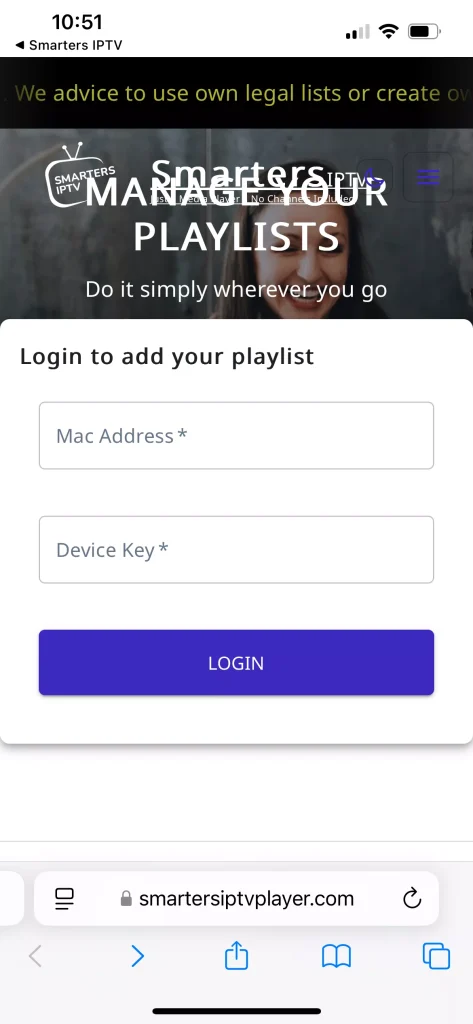
After registering, we will proceed to add playlist.
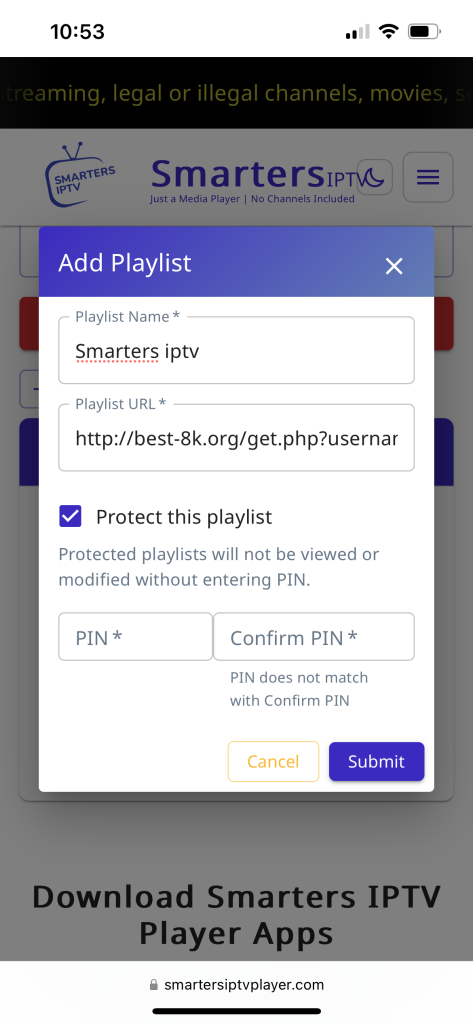
We will fill in the required information by adding a name for the playlist and pasting the server link.
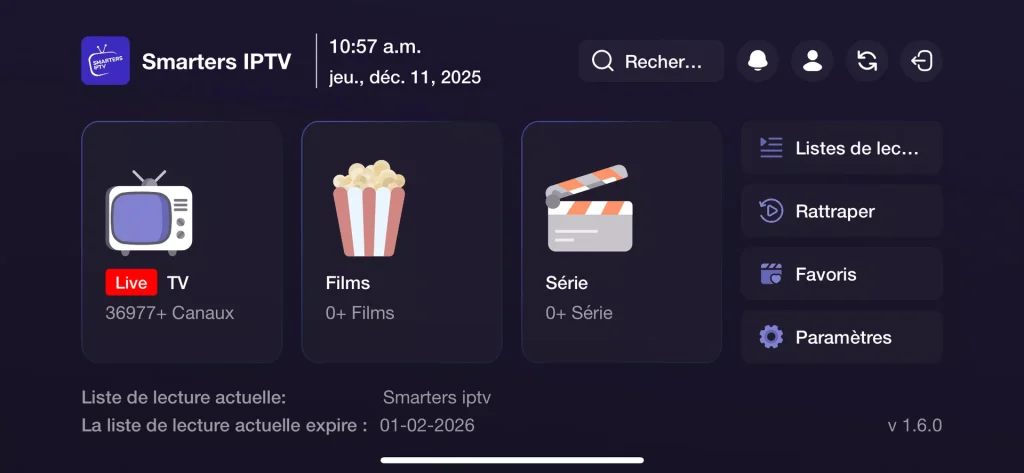
After that, we will return to the app and find that our playlist has been added successfully.
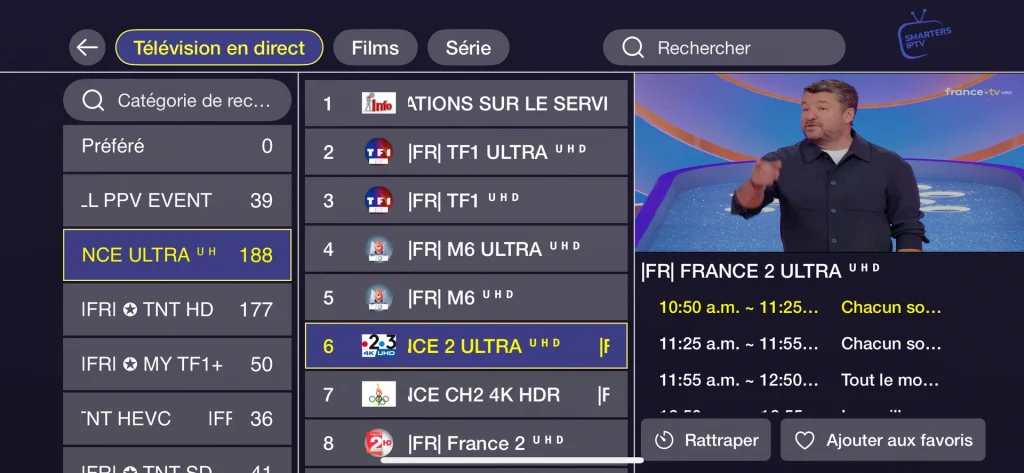
After that, you can enjoy watching your favorite programs with complete comfort.
Alternative apps
Smarters pro :
SmartArts Pro *REMARQUE is considered one of the best similar applications. It is a powerful and versatile media player that provides a smooth and high-quality viewing experience. It includes many features, including support for M3U and JSON playlists, and is distinguished by its user-friendly interface and high-quality playback.
Smarters player lite :
Smarters player lite supports multiple playlist formats such as M3U and JSON, along with other standard types. It offers high-quality playback for a smooth viewing experience using advanced video codecs. You can also customize settings for a personalized experience. Overall, it is a high-quality media player where you can experience lightning-fast m3u streaming with our optimized system through nextscreeny.
IPTV Smarters pro :
With IPTV Smarters pro, you can enjoy unmatched control over live TV channels with smooth performance. Thanks to its support for M3U and M3U8 playlists and Xtream Codes integration, it delivers clear, high-quality video and adaptive playback for optimal results. The app is available on the app store, where its rating reflects user satisfaction. If you ever face any issue, apple support can guide you. Experience lightning-fast streaming with our optimized player for the best viewing experience.
Recommended for you:
Conclusion :
Our team has now given you a full smarters iptv player review and a clear overview about it, along with comparable alternatives. We hope this guide was enjoyable and useful for you. Feel free to share your favorite app in the comments.

I’m Marin Key, a passionate English content writer with a background in computer science. I enjoy creating clear and engaging articles, especially on topics related to movies, TV series, and technology.