
If you are looking for a Tivimate review, this article is for you. We will provide a comprehensive review covering how to use it, its main features, its drawbacks, and any information you may need. Stay with us as we explore more details and useful insights throughout this article.
Table of Contents
What is Tivimate?
TiviMate is an app designed for Android TV, but it is also a good option for Android devices, such as phones and tablets. Known as a powerful TiviMate IPTV Player, it helps users optimize their viewing experience and enjoy organized content on a compatible device. You can download it from Google Play, while some advanced features may require a subscription. It is ideal for people who want to watch TV with ease.
My experience :
Step one:
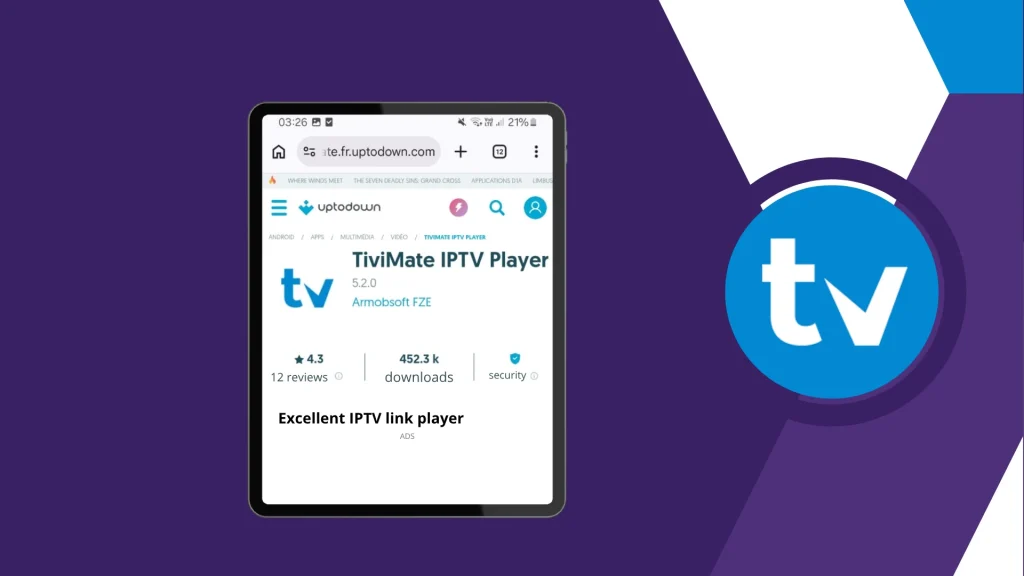
Download the app to your device and install it properly.
Step two:
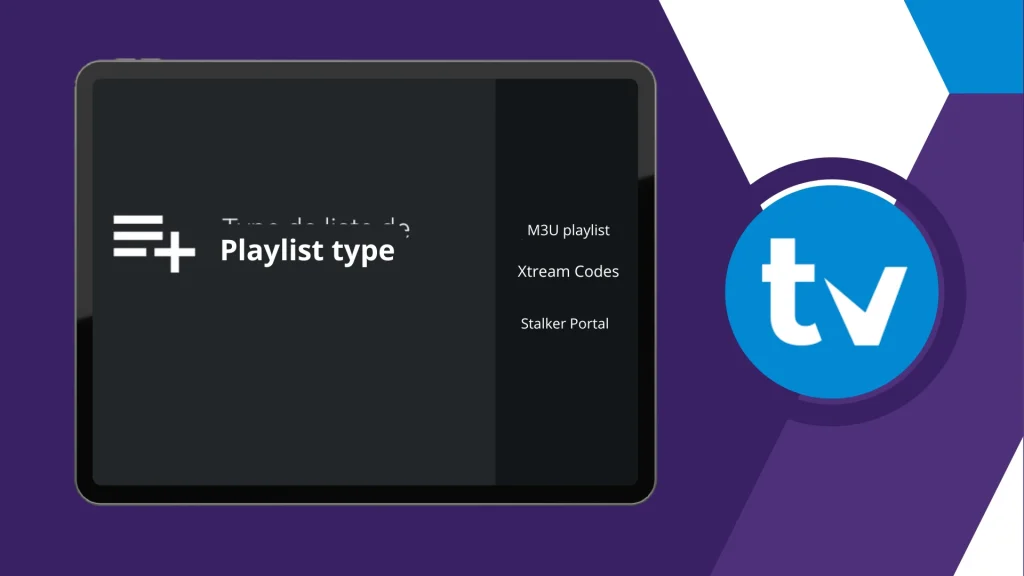
Open the app and choose the format you want to use to add your playlist.
Step three:
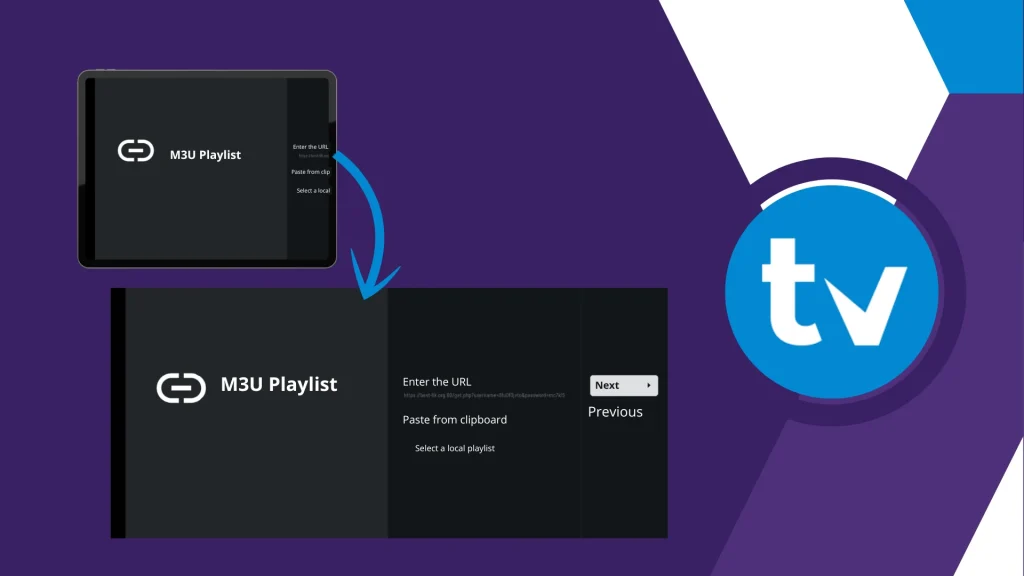
enter the details provided by your service provider, such as the username, password, and server URL.
Step four:
add the playlist and wait a short time for the content to load.
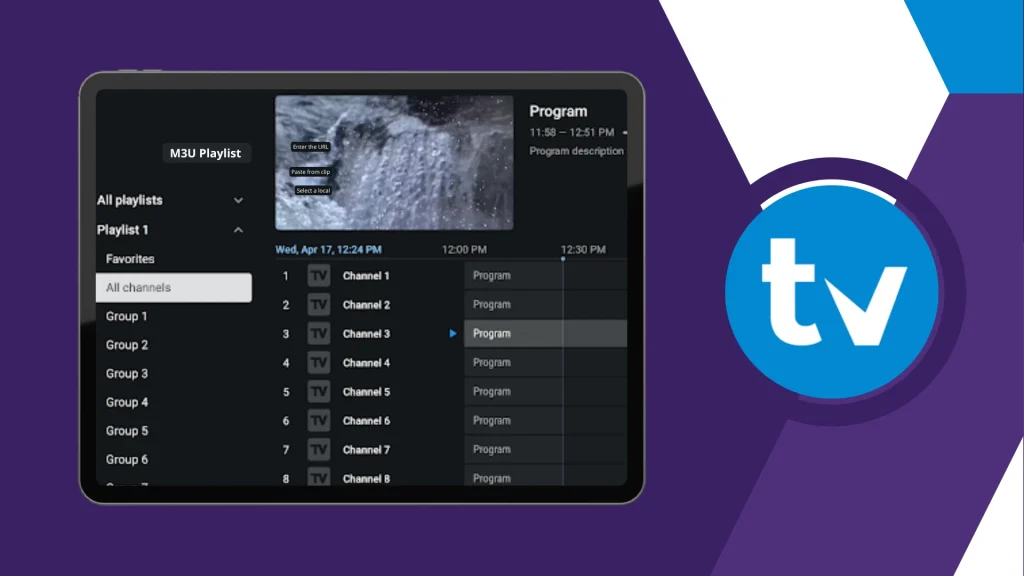
After that, you can start watching the content easily.
TiviMate on Fire Stick
follows almost the same process. You install the app, open it, and add your subscription details through M3U or Xtream Codes. Once the content loads, you can start browsing and watching. The main difference is in navigation: Fire Stick uses a remote, while an Android phone uses touch controls. In terms of setup and everyday use, the basic steps are nearly the same.

Downloader code is 272483.
Alternative apps
IPTV Smarters Pro
IPTV Smarters Pro is one of the best IPTV apps you can rely on as an alternative, offering high-quality viewing and many useful features. It allows users to watch live channels and on-demand content on Android devices, supporting M3U files and login details. The app also includes favourites, multi-screen viewing, full-screen playback options, and an organised interface for a smoother experience.
Pros :
- Works on smartphones and tablets
- Supports M3U files and URL login
- Let’s you watch live and on-demand content
- Channels can be sorted by country
- Favourite channels are easy to save
- The multi-screen option is available
- Full-screen and zoom controls included
Cons
- Does not include channels or playlists
- Requires login details or an M3U file
- Depends on an external provider
- Some content needs device storage

IPTV Smarters PRO
Zen iptv
Zen IPTV Player offers high-quality viewing and a wide range of useful features. It presents content in a clean and polished interface across TV, phone, tablet, and computer, allowing users to continue watching on different devices. The app supports live TV, replay, films, series, 4K, HDR, Dolby Vision, subtitles, and EPG. It also includes picture-in-picture, favourites, viewing profiles, and match information, while making clear that it does not provide any content itself.
Pros :
- Works across multiple devices
- Supports TV, phone, tablet, and PC
- 4K, HDR, and Dolby Vision support
- Includes subtitles and multi-language audio
- EPG support available
- Picture-in-picture feature
- Automatic version grouping
- Favourites and viewing profiles
Cons :
- Requires your own video sources
- Some features need Zen Access
- Full experience depends on subscription

Zen iptv
Conclusion
In this article, our team aims to provide a well-rounded TiviMate review that covers its main features and aspects. We hope you found this guide useful and informative. Do not forget to share your thoughts, impressions, and experience with the app in the comments.

I’m Marin Key, a passionate English content writer with a background in computer science. I enjoy creating clear and engaging articles, especially on topics related to movies, TV series, and technology.