
If you’re looking for the best IPTV apps for Chromecast, then you’re in the right place. All you need to do is keep reading this post to the end to explore several user-friendly IPTV apps that support Google Chromecast, deliver reliable streaming performance, and enhance your overall streaming experience.
Best apps :
What Is IPTV?
IPTV is a flexible, lightweight TV solution that doesn’t restrict you in any way. You only need the internet, which means you can forget about traditional methods that require a dish or a classic server. Through the internet, you can stream the channels you want, including live channels, sports, movies, series, and even international content that you couldn’t access before, using apps like a modern iptv player or iptv app.
The idea of IPTV is that it offers a flexible service that lets you watch anytime on your phone, TV, or even your computer, in high quality.
List of the Best IPTV Apps for Chromecast
Here is the list of the best applications:
IPTV Smarters Pro
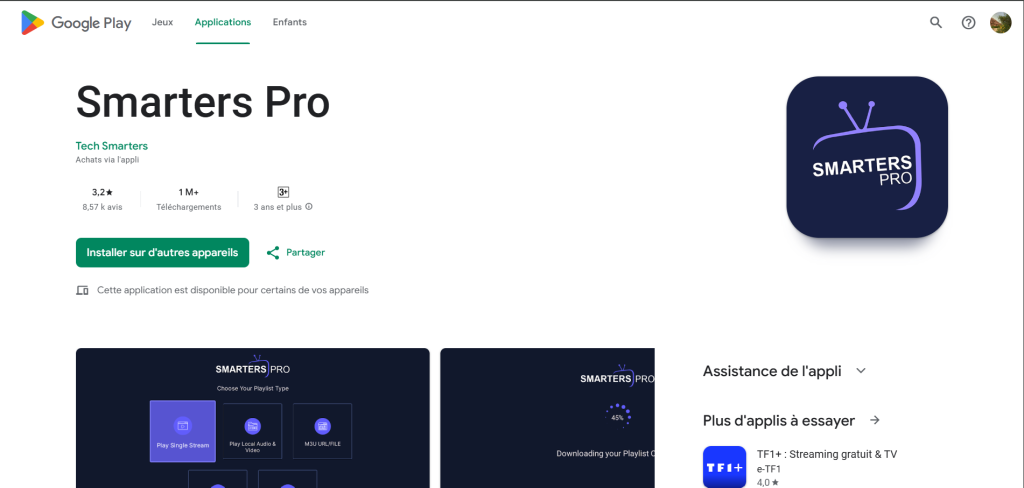
IPTV Smarters Pro is one of the most popular apps, with many features that make it a strong and comfortable choice. This app is designed to be a reader for your IPTV subscription; it is not a provider by itself, but an interface to display the content offered by your service provider. You can also cast content from the app to your TV via Chromecast if you want to watch on a bigger screen.
It also has an innovative search feature that lets you search across all channels, movies, and series at once—not just inside a single channel. The app stores everything you have previously watched so you can return to it easily.
As for performance and experience, the app is fast and stable, especially when paired with a reliable, straightforward IPTV server with high streaming quality. The design is organized, clean, and easy to use, offering a smooth user experience.
GSE IPTV Player
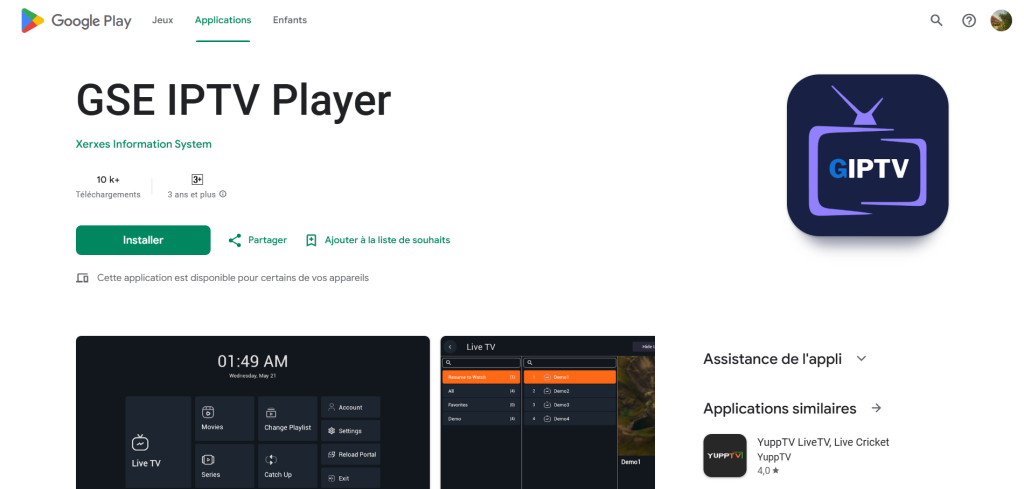
The GSE IPTV application is known for its great flexibility, giving users complete freedom to shape their viewing experience however they want. This app is not just a regular player, but a customizable platform that lets you organize channels however you like, create folders and sections, and separate packages so you can find everything quickly and without any trouble.
One of its most important features is that it supports many playlist formats, such as M3U and JSON, which makes it compatible with most IPTV providers without issues. It also has excellent subtitle support, allowing you to add external subtitles or choose them directly from the video, which is essential for people who watch content in different languages.
Its internal player is powerful and gives wide control over quality, playback speed, audio language, and even the interface layout while watching. Another nice thing is that it supports casting to the TV via Chromecast and AirPlay, making big-screen viewing easier and complication-free.
In addition, the app handles large playlists with thousands of channels very well, thanks to its fast search and filtering options. The interface is customizable, allowing you to change colors and display style to your taste, giving you an IPTV app designed exactly the way you want.
Zen player
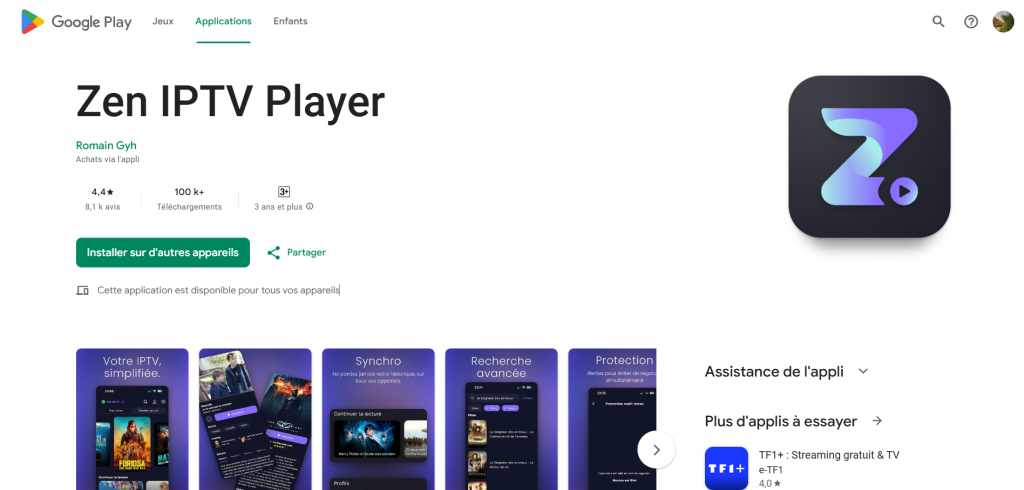
Zen Player comes with a completely different philosophy from other iptv apps, because it aims to give the user a calm and comfortable streaming experience without adding unnecessary complexity. The first thing that stands out is the interface’s simplicity: a clean design with soft colors and clear sections that make it easy to access any live channel or video quickly.
The app is made for users who want everything to look organized and easy to understand from the start, without extra settings or clutter. Zen Player feels light and works smoothly even on mid-range devices, since it doesn’t require significant resources and keeps the stream stable as much as possible.
One of its valuable features is fast channel switching, with quick response and minimal loading time, unless the IPTV service itself has an issue. The app supports M3U playlists and Xtream data simply: you just add the information, and it works immediately.
Its smart search option helps you find what you want easily without scrolling through long lists. Zen Player focuses on delivering a smooth, organized, and distraction-free viewing experience, making the user-friendly design feel like it was created specifically for you.
Xtream
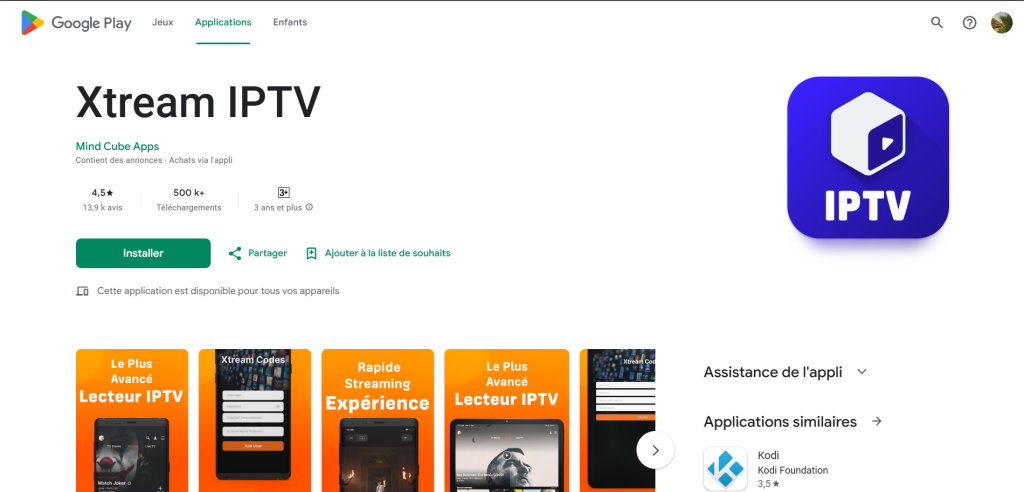
Xtream is one of the applications built on the idea of strength and clarity in dealing with iptv service, relying directly on Xtream Codes to give the user a very organized and precise experience. This app doesn’t focus on design or visuals; instead, it handles channels in a technical and structured way, almost like creating a complete archive of your content.
Once you enter your server details, Xtream automatically arranges everything: live channels, movies, and series, and each category shows detailed information without needing extra settings. The display style is professional but straightforward, with clear lists, easy buttons, and an organized interface that makes navigation smooth.
The app combines speed and accuracy, so when switching between sections or searching, everything loads quickly unless the service itself has an issue. It is designed for users who want a direct IPTV approach without effects or complications.
ORA IPTV Player
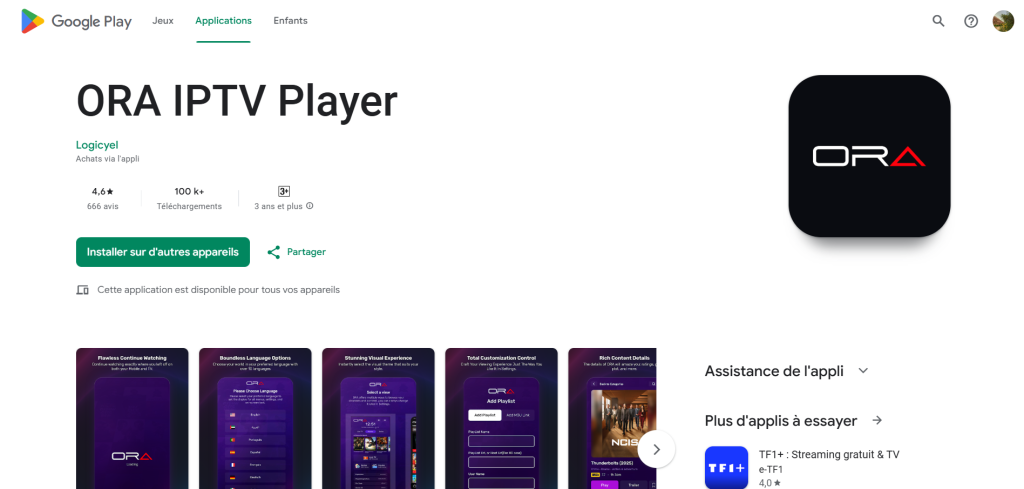
ORA IPTV Player offers a practical and straightforward viewing experience, designed for users who want speed and simplicity without complications. Unlike other apps that include many extra features, ORA IPTV Player focuses on the essentials: live channel playback, clear organization, and simplified sections that make navigation easy.
The app handles M3U playlists efficiently and keeps their original order, which is essential for users who already have organized content from their iptv service provider. Its speed and stability are strong points—streaming stays smooth even on mid-range devices, and switching between channels is quick.
The search feature is practical and straightforward, helping you reach the channel or video you want in just seconds. The interface is light, clean, and free from flashy colors or crowded menus, giving a comfortable look and feel.
Other guides that might help you :
Easy IPTV Setup for Android TV, iOS & Windows
6+ Best IPTV Apps (iPhone, IOS, and More)
Conclusion
In this post, we highlighted some of the best IPTV apps for Chromecast, including strong options like Tivimate IPTV Player. We hope the information was helpful and helps you explore better ways to watch your favorite channels and content with ease and smooth performance.

I’m Marin Key, a passionate English content writer with a background in computer science. I enjoy creating clear and engaging articles, especially on topics related to movies, TV series, and technology.