
Many people do not know the correct way to install IPTV on their devices, and the question that many people ask is: How to set up Perfect Player IPTV? Therefore, we will provide you with all the information you need on this topic. Keep reading the article to learn more.
Table of Contents
What Is an IPTV Player?
An IPTV Player is an application responsible for reading the information related to your IPTV subscription, whether it is an Xtream Code, M3U link, or file. Each application has its own way of reading and playing IPTV content.
The application alone cannot provide you with content such as movies, series, and TV programs. You need to have one of the three options mentioned above, which are provided to you by your IPTV provider.
The application then organizes the content, placing movies in the movies section, series in the series section, channels in their dedicated section, and each category in its appropriate section.
How to Install Perfect Player IPTV on Your Device
Each device has applications that are compatible with it. There are apps designed for Android, others for Apple devices, and others for Windows. Therefore, the first thing you need to do is identify the application that is suitable for your device.
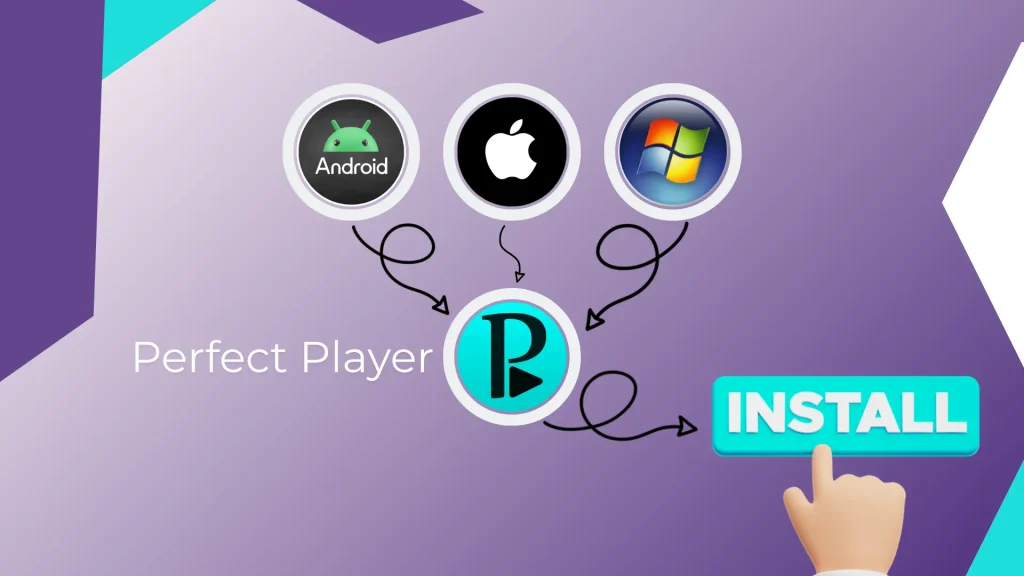
The installation process also depends on the device you are using, as it may vary from one device to another. We will start by explaining how to install the application on Firestick first.
Best Way to Install an IPTV Player on Firestick
The first thing you need to do is download the Downloader app on your device if it is not already installed, as some devices come with Downloader pre-installed automatically.
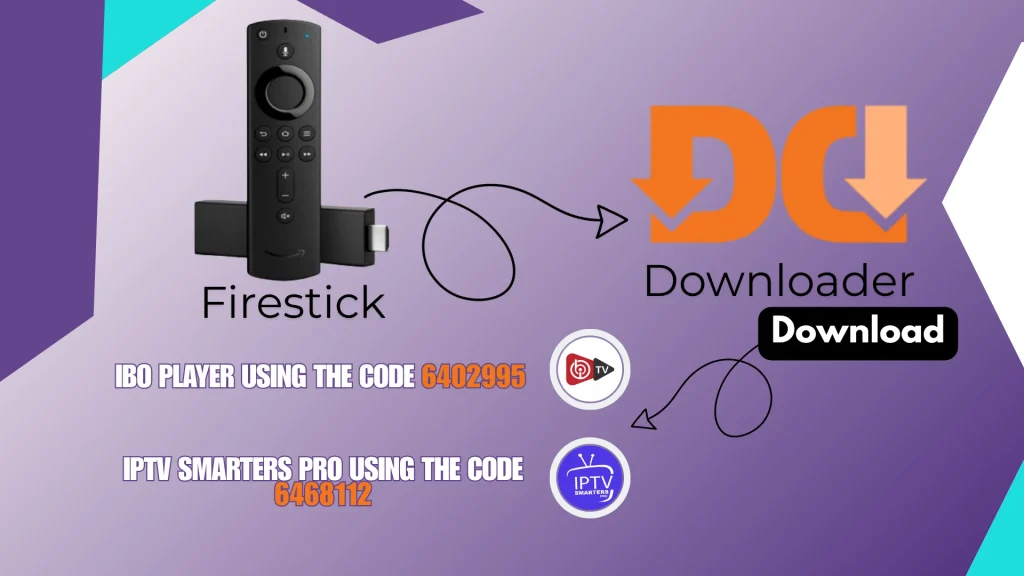
After that, you need to find the code for the application you want to download. You can download IBO Player using the code 6402995, or IPTV Smarters Pro using the code 6468112. These two applications work well on Firestick.
The download process will then start normally, and once the application is installed, you can easily enter your IPTV subscription information.
Best Way to Install an IPTV Player on Android Devices
For Android devices, whether smartphones or TVs, installing applications is easy and straightforward through the Google Play Store. All you need to do is search for an application that is compatible with your device.
We recommend Televizo or HotPlayer, as both applications work well and are suitable for Android devices.
Best Way to Install an IPTV Player on Windows Devices
Installing IPTV players on Windows devices is also easy and straightforward. Some people do not know that they can watch IPTV directly on their Windows device without needing another device.
You can download IPTV players through the Microsoft Store. Some of the best applications for Windows include IPTV Smarters Expert and Zen Player, both of which can be easily downloaded and installed.
Conclusion
In this article, we tried to answer one of the most common questions users ask: How to Setup Perfect Player IPTV? We also addressed the main questions you may have about this topic.

I’m Marin Key, a passionate English content writer with a background in computer science. I enjoy creating clear and engaging articles, especially on topics related to movies, TV series, and technology.