
In this article, we will share our opinion on IPTV Extreme and guide you through using the app step by step. We will look at its main features, ease of use, and overall experience. Stay with us to discover more helpful details about this IPTV player and what it can offer users on different devices.
Table of Contents
What is IPTV Extreme?
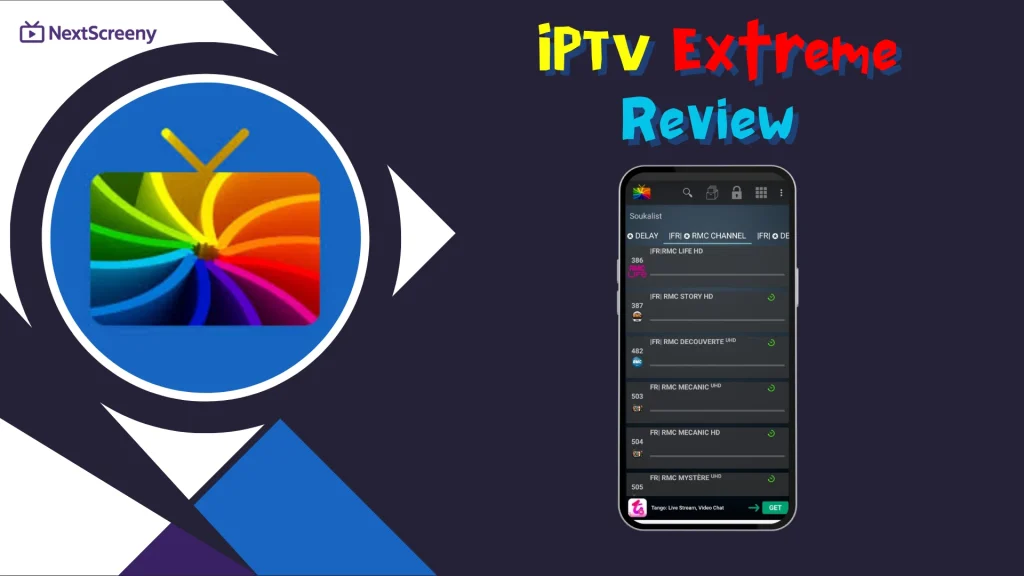
IPTV Extreme is an IPTV app and media player that lets users watch live TV content via personal playlists. This application supports EPG (electronic program guide) for easier channel management and information access. Available on Android-based devices, IPTV Extreme Pro adds extra features and update options. Its design helps organize playlists, while the developer built the system to make the viewing experience easier in today’s digital world.
Pros :
- Supports M3U playlists and multi-EPG
- Built-in player with advanced and light modes
- Chromecast and remote control support
- Parental control included
- Backup and restore settings
- Auto EPG updates and alias management
- Recording and time recording options
- On-demand download feature
- Many themes for customization
- Pro version removes ads
Cons :
- Some features depend on user-added sources
- Chromecast support is still in beta
- Pro version needed for ad-free use
- Legal use depends entirely on the end user
- The interface may feel complex for beginners
My experience
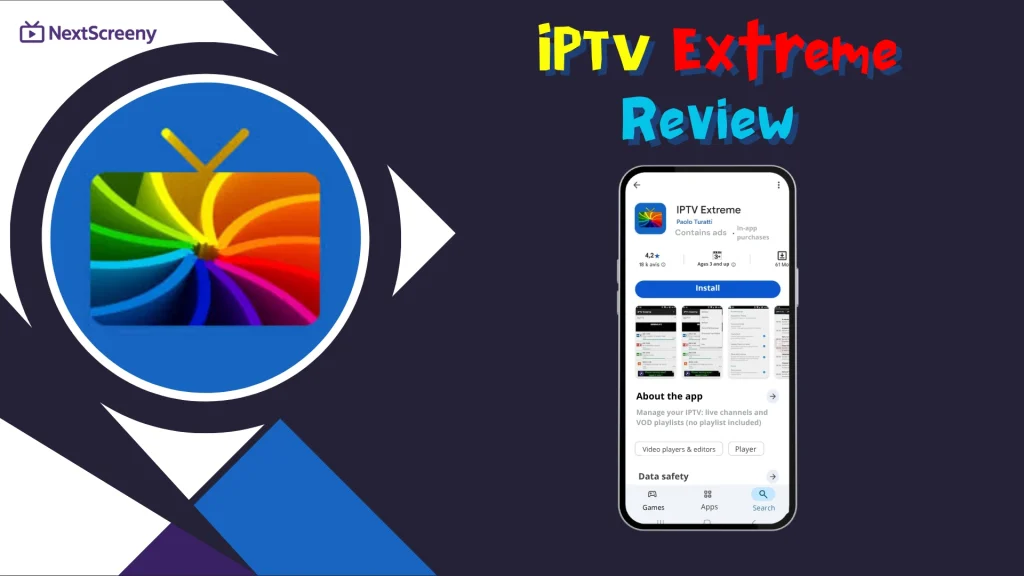
First, we will download the app on our device to try it. In our case, we are using an Android phone because IPTV Extreme is not available on iOS or Windows devices. To test it on Android, we will download it from the Play Store.
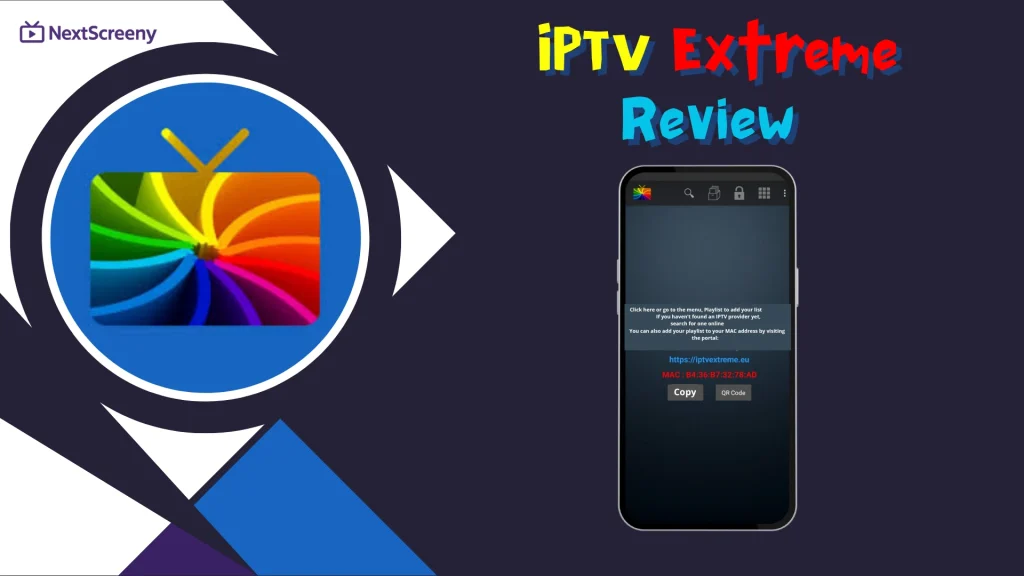
After downloading the app, we will open it. On the main screen, the MAC address information will appear, and we will need to visit the app’s website in order to complete the registration process.
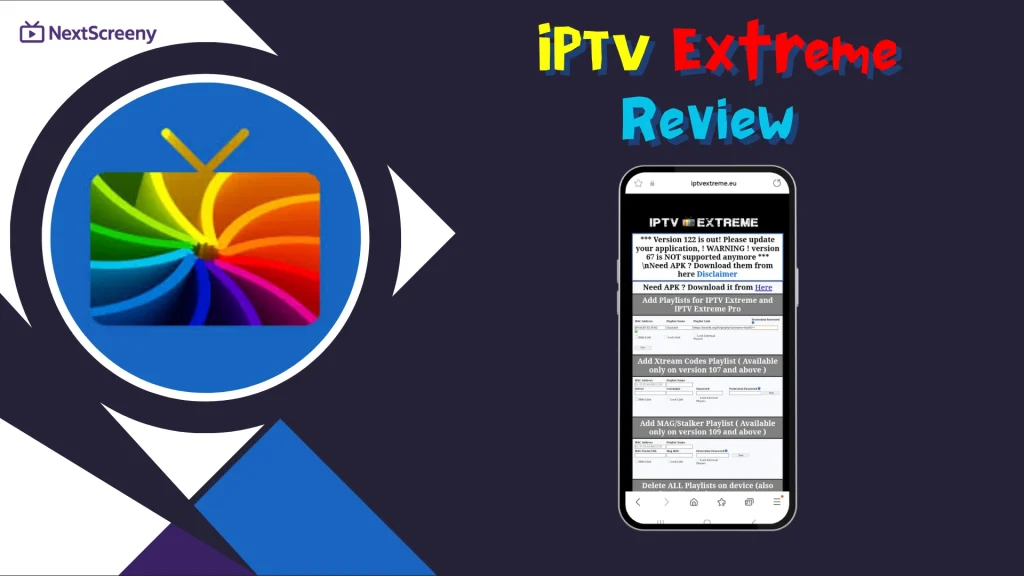
After opening the app’s website, as shown in the screenshot, the design feels somewhat outdated and not very user-friendly. In this form, there is a field to copy the MAC address and add the playlist details for the subscription you want to use. The app offers three different formats. We will choose the first one, enter the playlist name, and paste the server URL we received from the provider.
After that, we will wait a short time for the content to load inside the app. Once the playlist has been added successfully and everything finishes loading, we can start watching our content smoothly and enjoy the experience with ease.
Alternative apps
Televizo
Televizo is one of the standout apps that users can use with ease, thanks to its simple, user-friendly interface. This IPTV player is designed for Android phones, tablets, and TVs, and it supports multiple playlists, EPG, catch-up, and Chromecast for a flexible viewing experience. It also includes favorites, parental control, easy search and sorting, and video, audio, and subtitle selection. It is important to note that Televizo is only a media player and does not provide any content.
Pros
- Simple and easy-to-use interface
- Supports multiple playlists
- Works on Android phones, tablets, and TVs
- Includes EPG and catch-up support
- Chromecast support available
- Easy search and channel sorting
- Favorites option for quick access
- Let users select audio, video, and subtitles
- Includes parental control tools
Cons
- Only available for Android-based devices
- Content quality depends on the playlist source

Televizo
Zen iptv player
Zen IPTV Player stands out for its many features, making it a more popular choice among users. It offers a clean, polished interface inspired by major streaming platforms. It supports live TV, replay, movies, and series, as well as 4K, HDR, Dolby Vision, subtitles, audio tracks, and EPG. It also includes Picture-in-Picture, automatic content grouping, multi-device access, and useful viewing tools.
Pros
- Clean and polished interface
- Supports live TV, replay, movies, and series
- 4K, HDR, and Dolby Vision support
- Multi-language subtitles and audio tracks
- Includes EPG support
- Picture in Picture feature
- Automatic grouping of content versions
- Works across multiple devices
- Viewing profiles for family use
- Favorites and resume watching options
Cons
- Users must add their own legal sources
- Some advanced features require Zen Access
- Streaming quality depends on the added source

Zen iptv player
GSE Smart IPTV
GSE IPTV Player is considered one of the most practical and widely used solutions, especially for beginners, as it offers an easy experience with high-quality playback. This all-in-one IPTV player is designed to stream live TV, movies, series, and VOD content smoothly on Android devices. With its intuitive interface and strong playback performance, GSE IPTV Player makes it easier to manage content, enjoy clear sound, and build a reliable viewing experience.
Pros
- Easy for beginners to use
- Intuitive and simple interface
- Supports live TV, movies, and series
- Works with VOD content
- Smooth playback performance
- High-quality streaming experience
- Suitable for Android devices
Cons
- No built-in content is included
- Users need their own playlist
- Mostly made for Android devices
- Stream quality depends on the source

GSE Smart IPTV
Conclusion
The NextScreeny team aimed to provide a comprehensive review of IPTV Extreme, along with a simple guide to using it on an Android device. We hope this article helped you better understand the app.
Do not forget to share your experience in the comments and let us know your opinion.

I’m Marin Key, a passionate English content writer with a background in computer science. I enjoy creating clear and engaging articles, especially on topics related to movies, TV series, and technology.