
In today’s article, we will share our review of the Zen IPTV Player for Android. We will test the app and install it on our phones to see how well it works on Android. The goal is to determine whether this application provides a smooth and convenient experience for watching live channels and online content.
Table of Contents
What is Zen IPTV Player?
Zen IPTV player is an iptv player app on Google Play that runs on any Android device to watch TV channels, movies, series, and video content. This application offers a polished interface similar to the biggest SVOD platforms, with quality playback, EPG support, and multiple list options. It can play sources and display web pages. For legal and security reasons, the user must not use Zen IPTV with unauthorized lists, as this may result in penalties and prosecution. The latest version improves service, while the pro version enhances viewing.
My experience
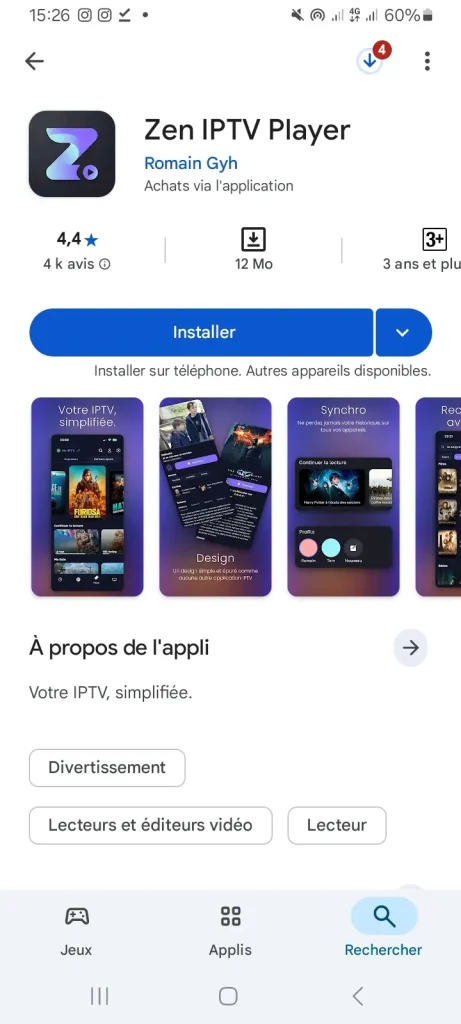
First, we will download the application from Google Play.
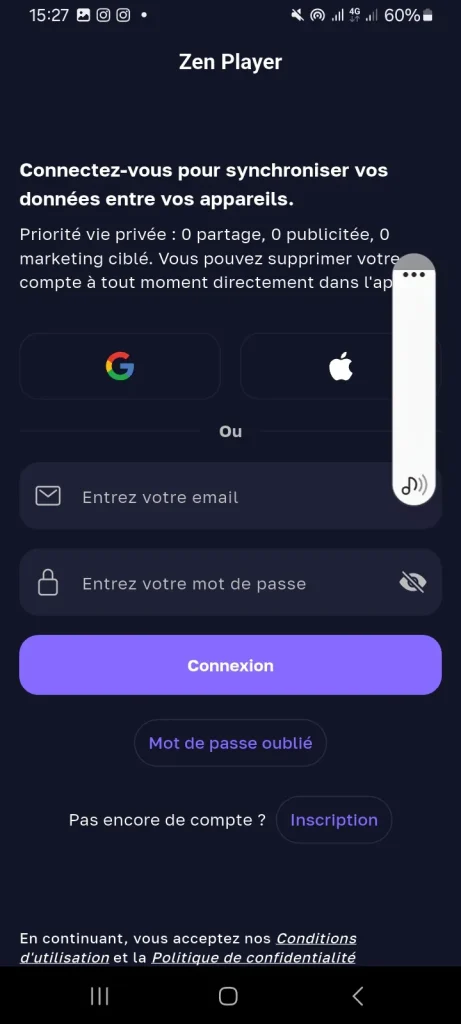
After that, we will need to create an account and link it to use the application.
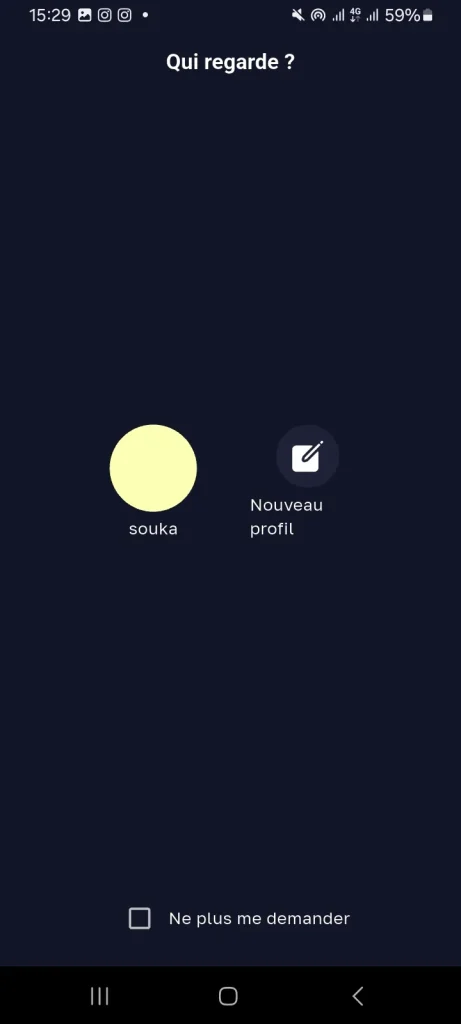
Then, you will create a profile for yourself and assign it a name.
Then we will fill in the following information about Xtream Codes.
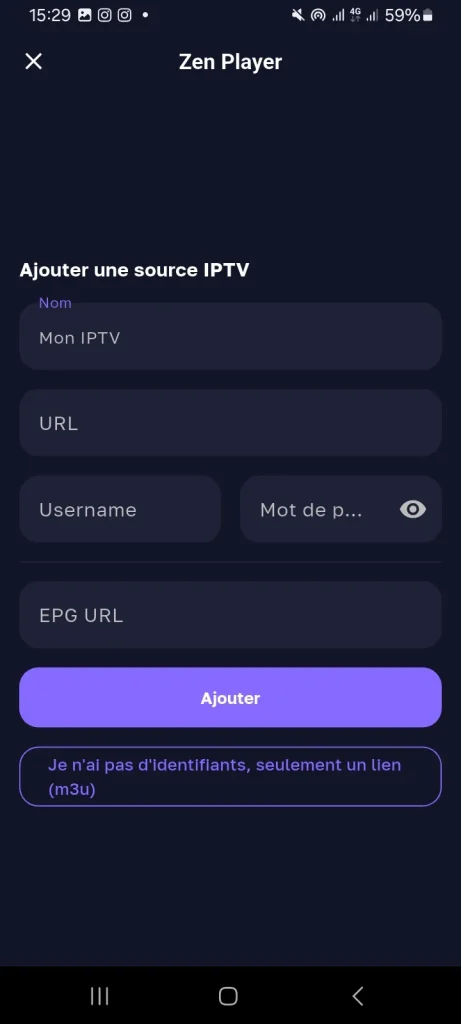
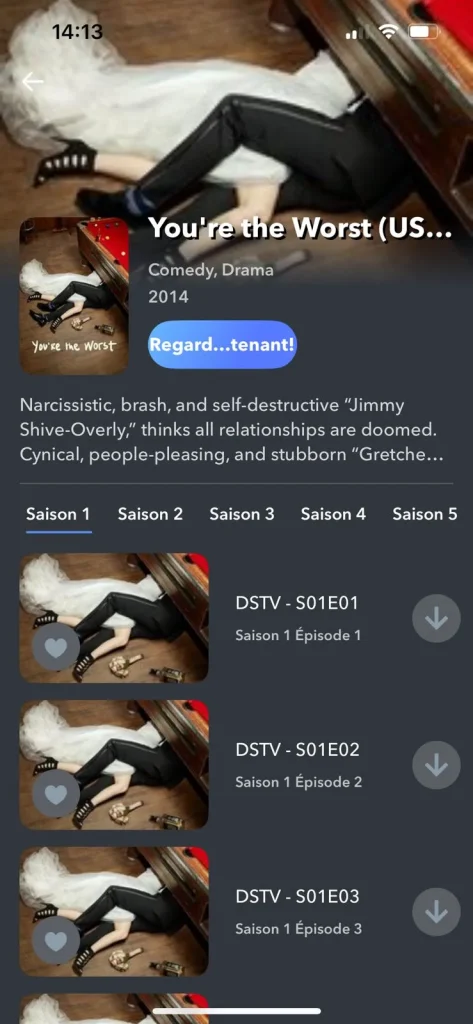
And finally, you will find that your playlist has been added successfully, and you can watch your movies and shows comfortably.
Alternative application to Zen IPTV Player :
Gse IPTV Player
GSE IPTV Player is an IPTV player available on the store, designed to offer a safe, smooth streaming experience. It allows you to watch live tv, movies, series, and other content with an intuitive interface that is easy to navigate. The application works on any Android device, providing stable playback and reliable performance for users who want to enjoy IPTV without complications.
Xtream IPTV
Xtream IPTV is considered one of the most popular media players because it lets users stream live TV, movies, and series on Android phones, Android TV, and TV boxes. It supports M3U playlists, Xtream Codes API, multi-user and multi-screen options, audio and subtitle selection, and channel logo loading. It is simple to use, offering smooth playback and easy access to recently added content, making the viewing experience more flexible and enjoyable.
IPTV
This IPTV app is distinguished by features that make it easier for viewers to access and manage channels smoothly. It supports M3U and XSPF playlists, keeps playlist history, and allows playing multicast streams with a UDP proxy. Users can switch between grid, list, and tile channel views, benefit from EPG in XMLTV or JTV formats, and choose between internal and external video players. Parental control is available, and the Pro version adds ad-free use, auto-start, and extended history.
For more options, check out the 6 best IPTV apps for Android
Conclusion:
And with that, we have provided you with a complete Zen IPTV Player review for Android, along with our honest opinion. We hope you found it helpful. Don’t forget to share your thoughts in the comments.

I’m Marin Key, a passionate English content writer with a background in computer science. I enjoy creating clear and engaging articles, especially on topics related to movies, TV series, and technology.