

If you are looking for an efficient and reliable IPTV experience, this article is for you. We will share our honest opinion about the 9Xtream app, and also show you how to use it on different devices. Stay with us to discover more information.
Table of Contents
What Is 9Xtream?
9Xtream is an IPTV app designed to stream content such as live TV, movie, and series through a built-in video player. It supports m3u playlist and API integration, offering easy access after a license purchase. The app includes useful feature options and good compatibility across devices. With nextscre navigation, users can manage and enjoy their content smoothly.
How 9Xtream Works :
Android :
Install 9Xtream from Google Play Store.
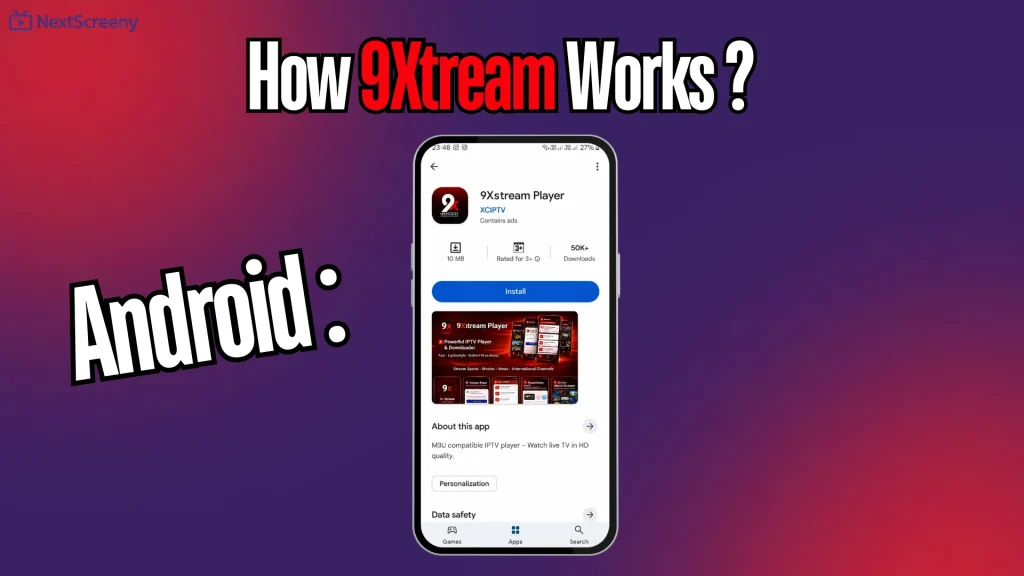
Launch the app on your Android phone, tablet, or TV.
Go to the playlist or account section.
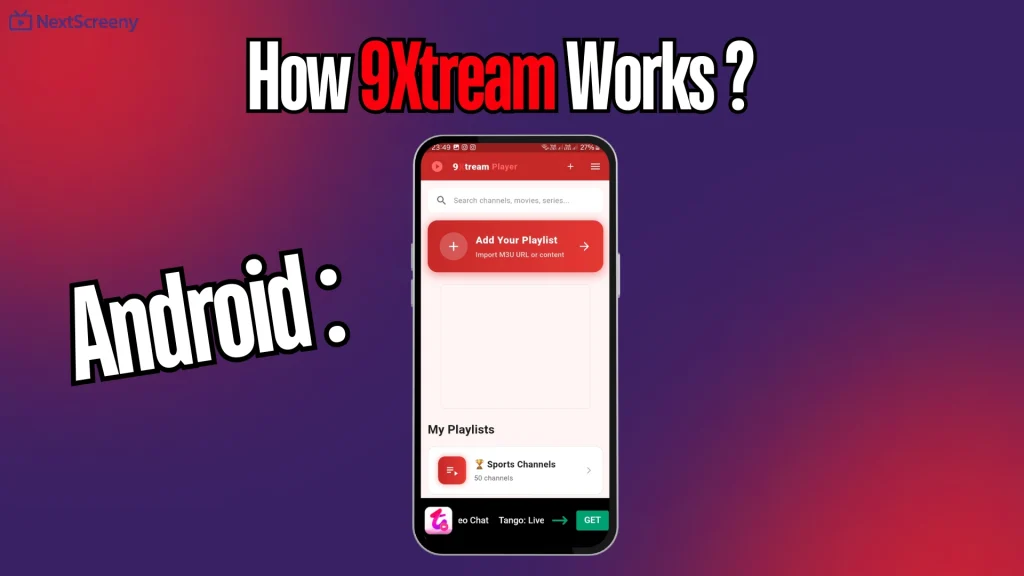
Choose the login method, such as Xtream Codes or M3U.
Add the server URL, username, and password from your provider.
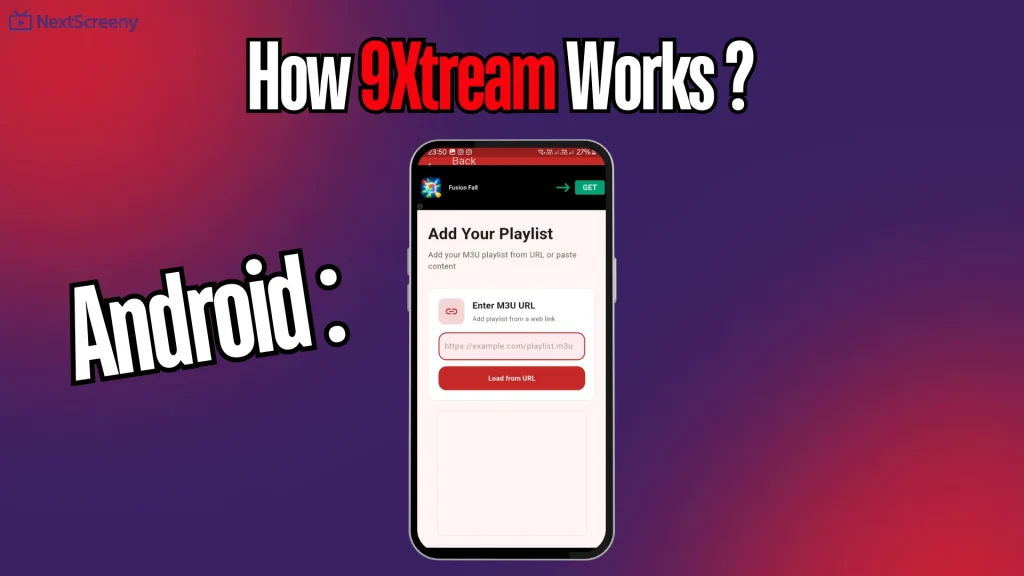
Confirm the setup and let the app sync the content.
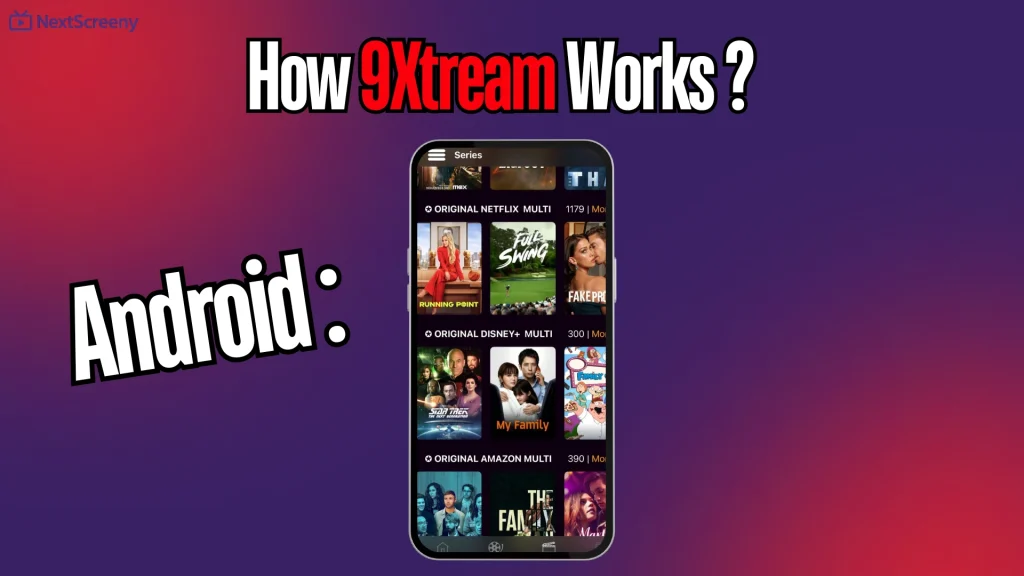
Open the available categories and start watching.
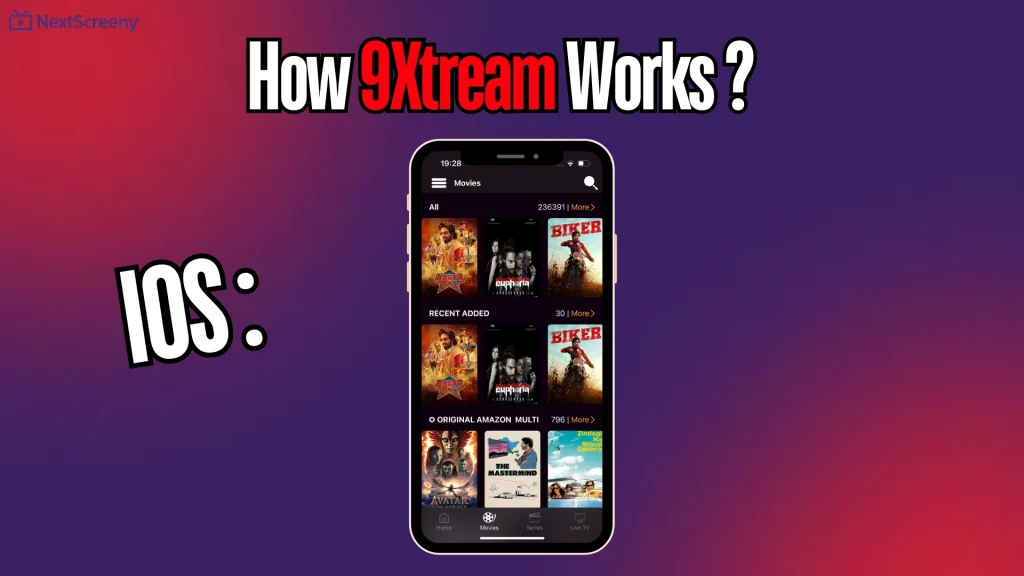
IOS :
Download 9Xtream from the App Store.
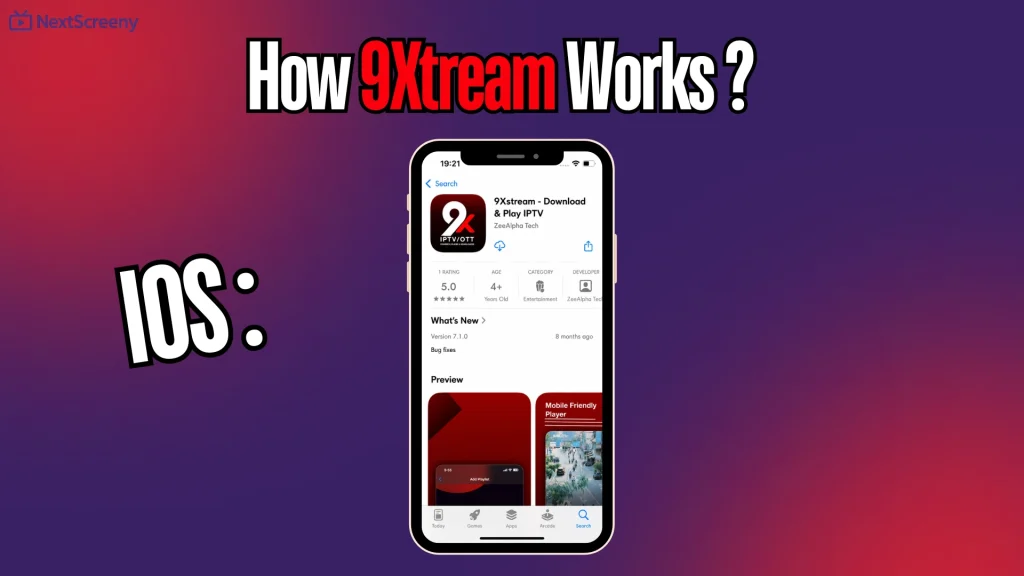
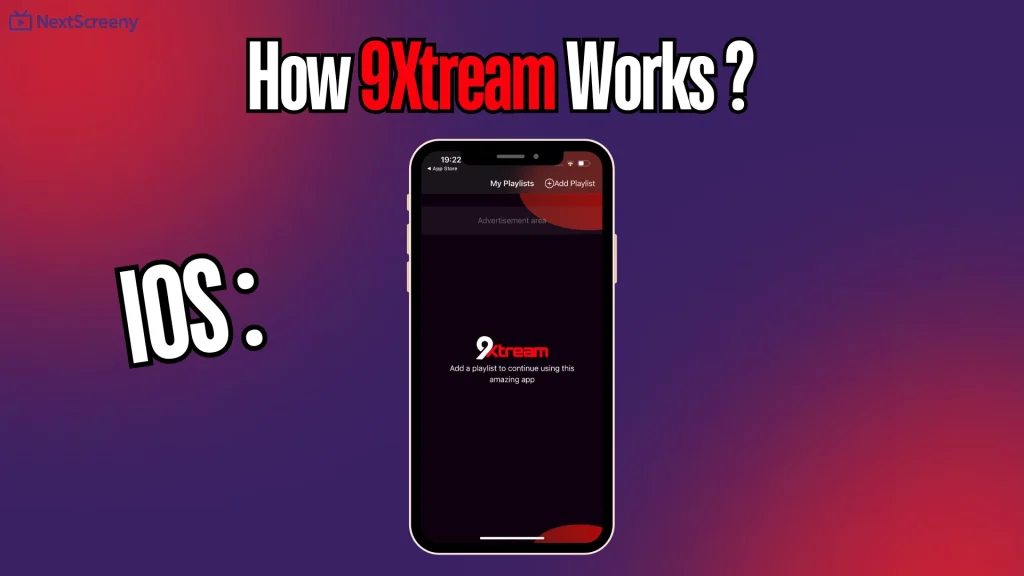
Open the app and choose Add Playlist.
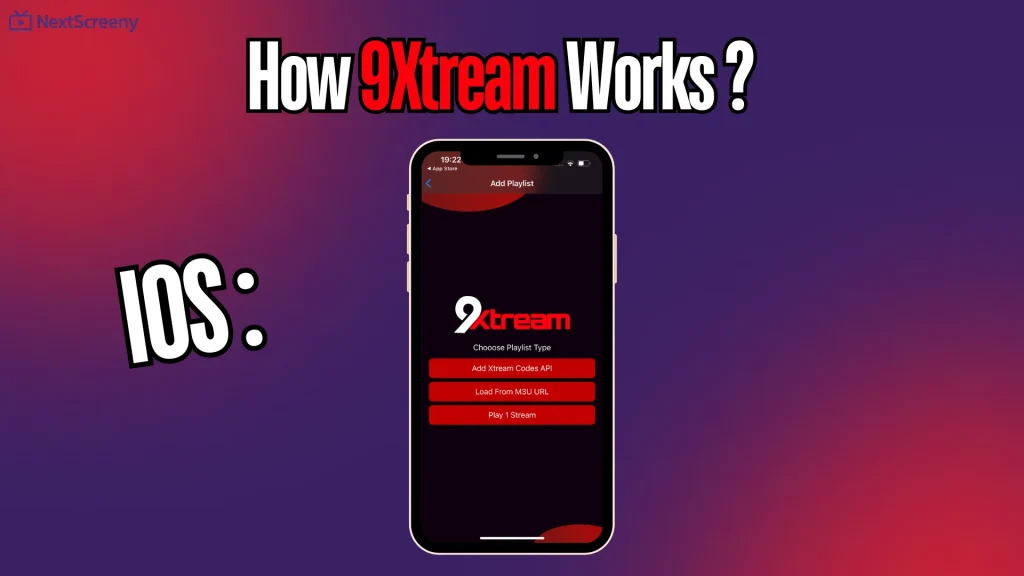
Select Xtream Codes or M3U.
Enter the details provided by your IPTV provider.
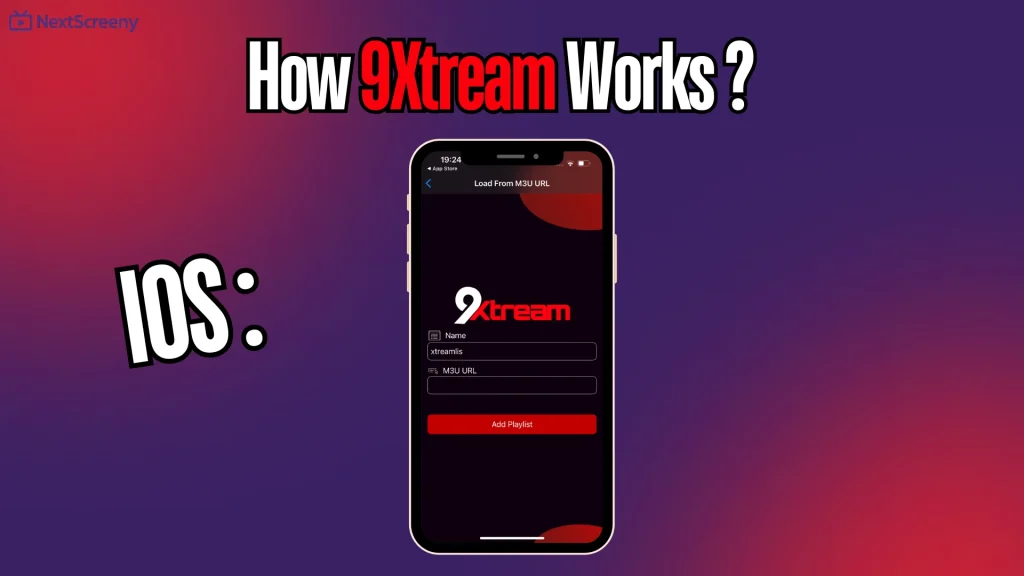
Save the playlist and wait for the content to load.
Start watching your channels or videos.
Windows :
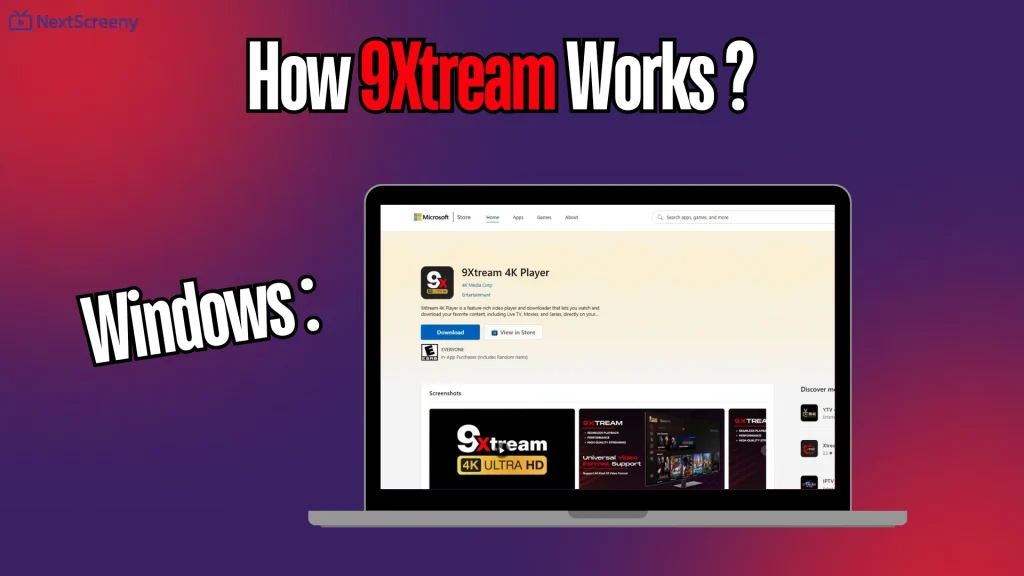
Download and install 9Xtream on your Windows device.
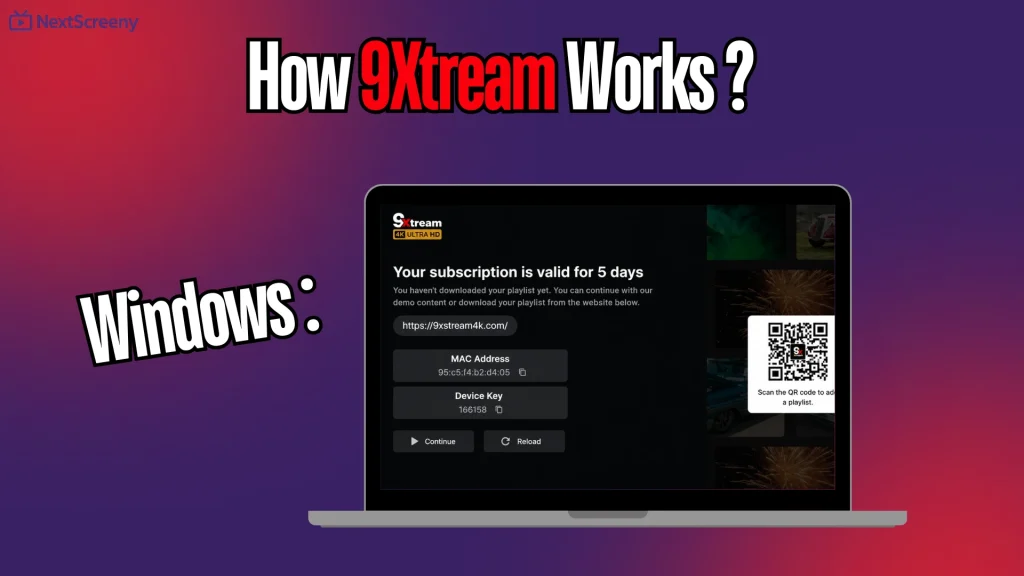
Open the app and copy the MAC Address shown on the screen.
Go to the official activation or playlist portal from your browser.
Enter the MAC Address and the required device details.
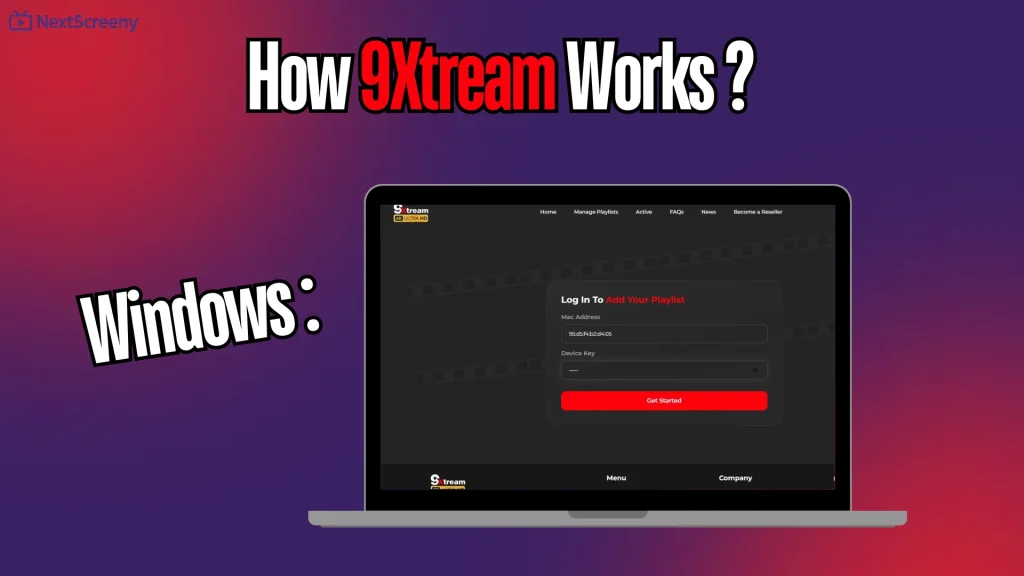
Add your playlist using M3U or Xtream Codes information.
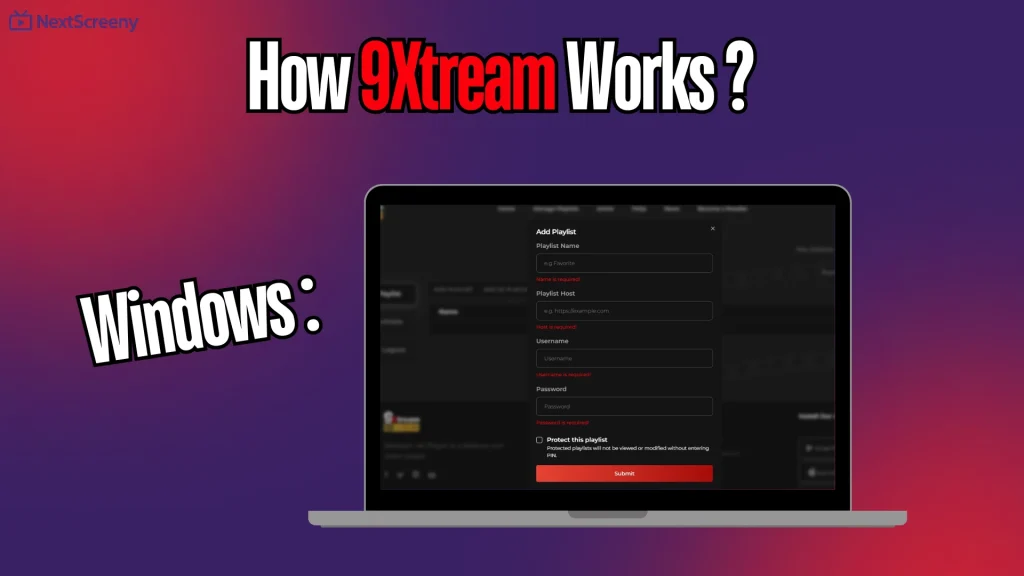
Save the settings, then reopen the app on Windows.
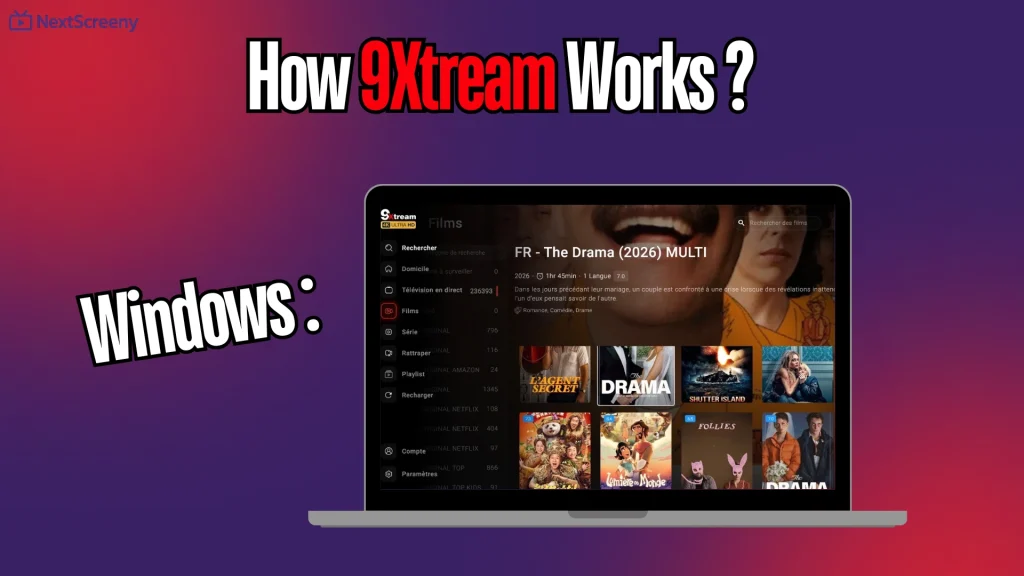
Wait for the content to load and start watching.
Best Alternatives to 9Xtream :
IPTV Smarters pro :
IPTV Smarters Pro is one of the best similar apps you can use on your devices, as it is compatible with almost all platforms. It supports both M3U and Xtream Codes, making it easy and fast to add your subscription. Additionally, it offers an EPG (Electronic Program Guide) to view channel schedules, works on Smart TVs and Fire Stick, and includes a multi-screen feature along with many other useful options.
Pros:
- Popular on Android, iOS and Windows.
- Supports Xtream Codes and M3U files.
- Plays live TV and VOD content.
- Organises channels by country.
- Includes favourites for quick access.
- Multi-screen option is useful.
Cons:
- Does not provide channels or playlists.
- Requires provider login details.
- Performance depends on the IPTV source.
- Some versions may include ads.

IPTV Smarters pro
OTT Navigator :
OTT Navigator is an IPTV player designed for several devices, especially Android. It supports M3U and M3U8 files, as well as login with a username and password. It stands out for organising channels by source, easy playback, external player support, parental control, scheduling options, content organisation and the ability to manage several providers at the same time.
Pros:
- Supports M3U and M3U8 playlists.
- Allows login with username and password.
- Organises channels by source.
- Works well for Android users.
- Supports parental control.
- Can use an external player.
- Good for managing several providers.
- Playback settings are flexible.
Cons:
- Setup may take time for beginners.
- Interface can feel technical.
- Quality depends on the playlist source.

OTT Navigator
KODI :
Kodi is considered free, open-source software that can play movies, series, music and photos, while also supporting podcasts. It works on multiple devices such as Smart TV, computers and Android. Kodi supports formats like MKV, MP4 and AVI, offers high quality up to 4K and 8K, and supports subtitles and multiple audio tracks. It also allows users to create favourite lists, custom categories and many other useful features.
Pros:
- Free and open-source software.
- Supports many video and audio formats.
- Works on Smart TV, Android and computers.
- Can play movies, series, music and photos.
- Supports subtitles and multiple audio tracks.
- Handles high quality up to 4K and 8K.
Cons:
- Not the easiest app for beginners.
- Add-ons can be confusing to configure.
- No IPTV content included.

KODI
How to Get the Best Experience with 9Xtream :
- Use a stable and fast internet connection.
- Add only valid IPTV playlists or login details.
- Choose a legal and trusted IPTV provider.
- Keep the 9Xtream app updated regularly.
- Use the correct format, such as M3U or Xtream Codes.
- Restart the app if channels do not load.
- Avoid unknown playlists that may be unsafe.
- Use a compatible device for smoother playback.
Is 9Xtream Safe and Legal?
- Yes, 9Xtream itself is legal.
- It works only as a media player.
- It does not provide channels or playlists.
- It does not offer usernames or passwords.
- The user must add their own content.
- Legality depends on the IPTV provider.
- It is legal if the provider has broadcasting rights.
- Avoid playlists from unknown or illegal sources.
Conclusion :
Our team has tried to provide you with a clear and useful experience around the 9xtream app and how it works. We hope this article has helped you understand the application better. Don’t forget to share your opinions and experiences in the comments.
FAQ :
Is 9Xtream free?
9Xtream may be free to download, depending on the platform, but some features can require activation, payment, or in-app purchase. It is better to check the official store before installing.
Can I use 9Xtream without IPTV subscription?
You can open the app without an IPTV subscription, but you cannot watch channels or content unless you add a valid playlist or login details from a legal provider.
Does 9Xtream support M3U playlists?
Yes, 9Xtream can support M3U playlists, depending on the version used. You can usually add your playlist link, save it, then wait for the content to load.

I’m Marin Key, a passionate English content writer with a background in computer science. I enjoy creating clear and engaging articles, especially on topics related to movies, TV series, and technology.