
If you want to try the OTT Player app, this article is made for you. We will share our honest opinion about the application, explain how it works, and show you how to use it easily on your device. Stay with us to discover more useful information before getting started.
What is Ott player?
OTTPlayer is an IPTV app and application that lets users play their own m3u8 playlist on a TV or compatible device. With OTTPlayer, you can watch a user-added channel list, but it does not provide the content itself. The developer may update each version, while privacy, data, language, Google access, and the quality of the internet service provider (ISP) can affect the streaming experience.
Overview of the app
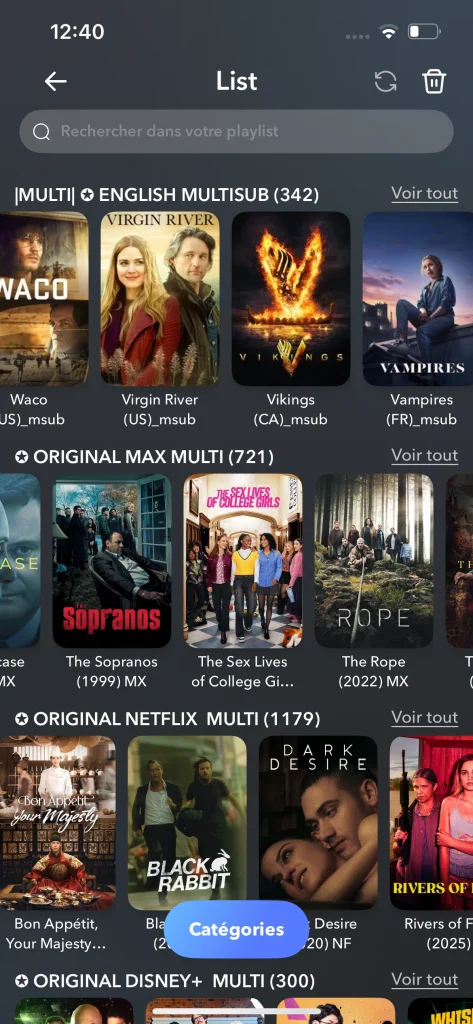
Ott Player is a free IPTV playlist player that does not include any built-in content. This means the user needs to add their own playlists, usually in M3U format, to watch the content available in the list. In general, the app is easy to use, with a simple interface and no major complications during setup or playback.
Who is it for?
OTTPlayer is made for users who already have an IPTV subscription and want a simple player to organize their channels. It suits beginners because the interface is easy to understand, but it is also useful for experienced users who prefer a lightweight, practical IPTV application.
Supported platforms :
This player supports a variety of devices, including Android, iPhone, Fire TV Stick, Apple TV, Smart TV, and Windows. This makes the application suitable for different types of users and many devices, while recognizing that compatibility may depend on the version and device used.
How Ott Player Works :
Android :
- Install OTTPlayer from the Google Play Store on your Android device.
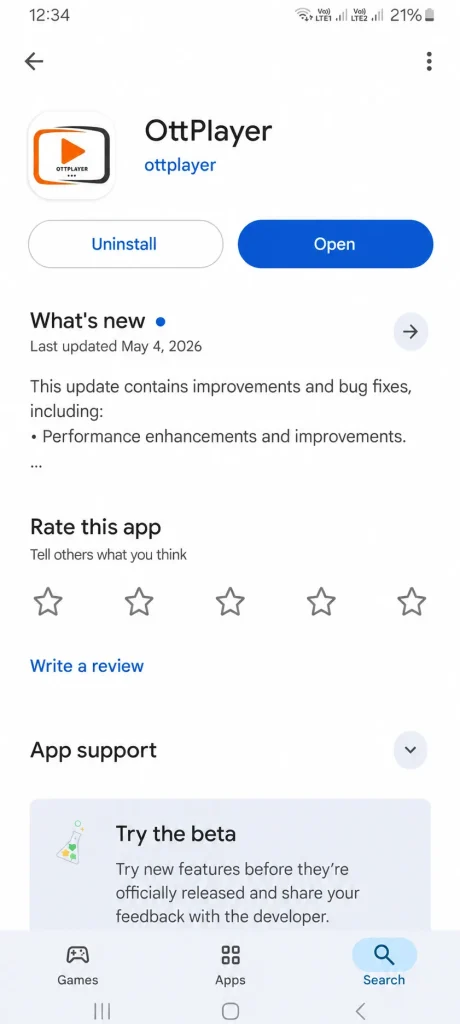
2. Launch the app, then go to the playlist section.
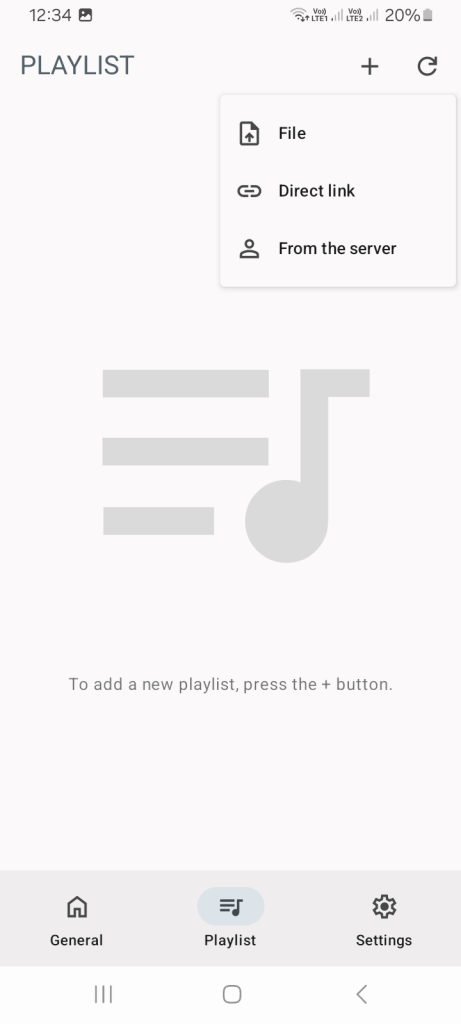
3. Tap “Add Playlist” and choose the supported format, such as M3U.
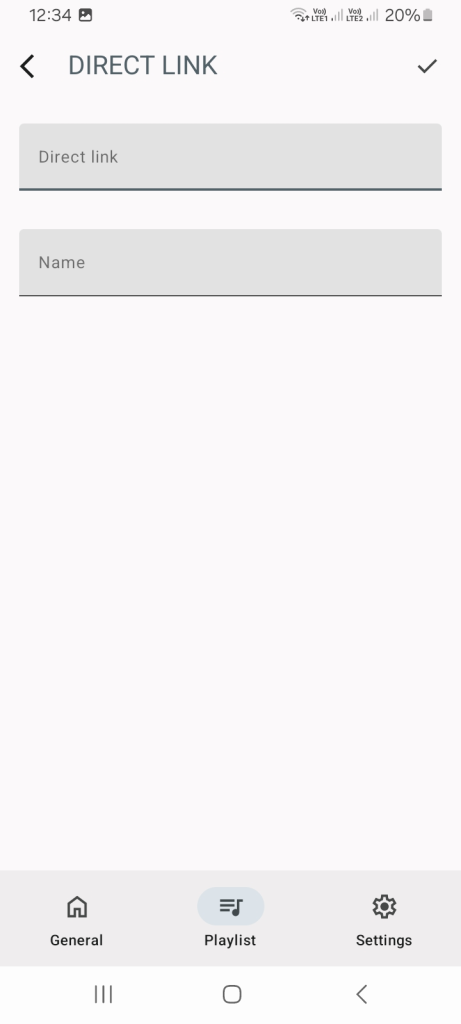
4. Enter the playlist details, save them, then wait until the content loads before starting to watch.
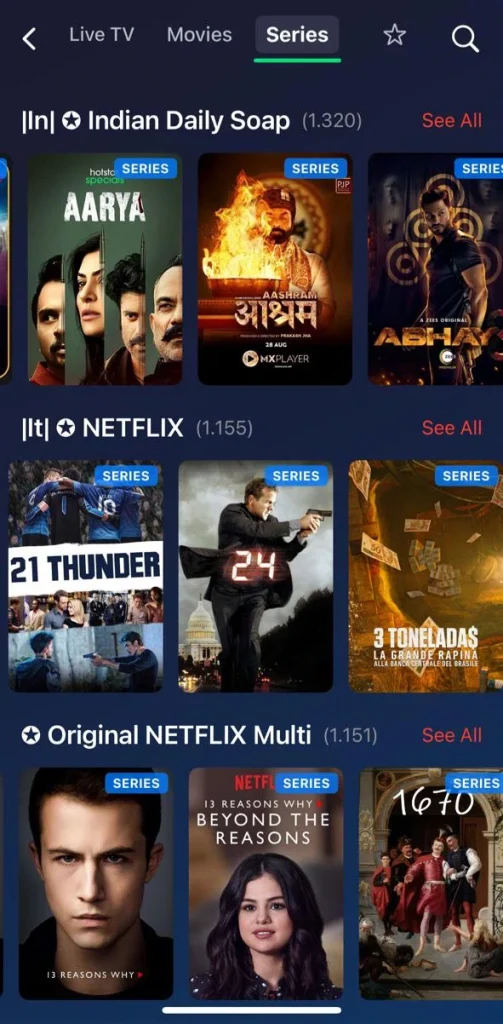
IOS :
- First, download the OTTPlayer app from the App Store.
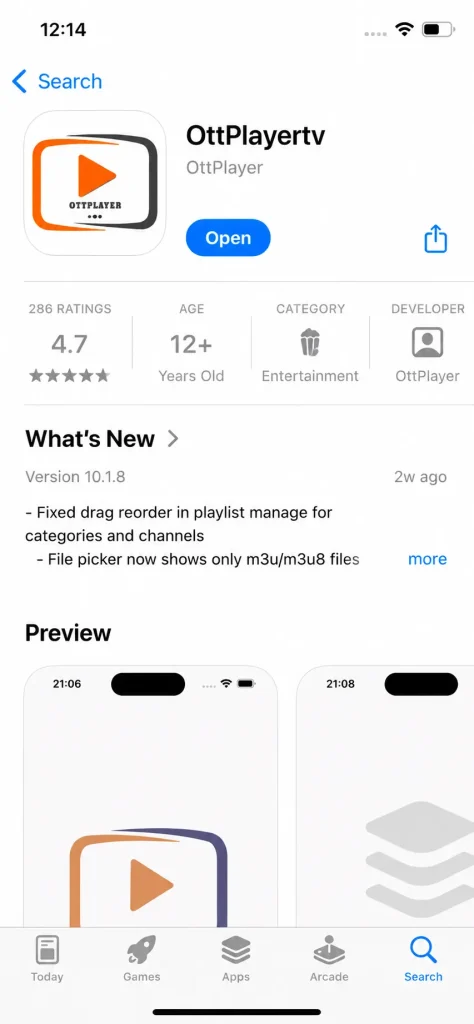
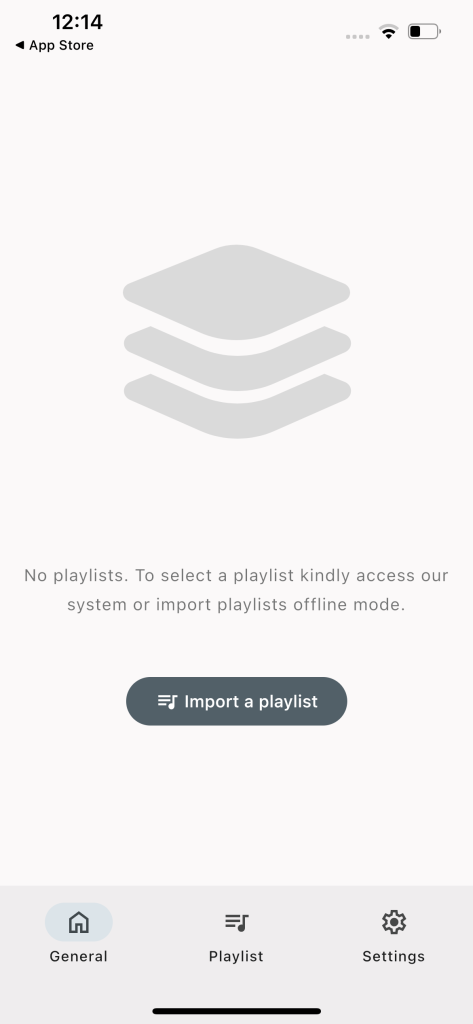
2. Open the app, then choose the “Add Playlist” option.
3. Select the playlist format, for example, M3U, then fill in the required information.
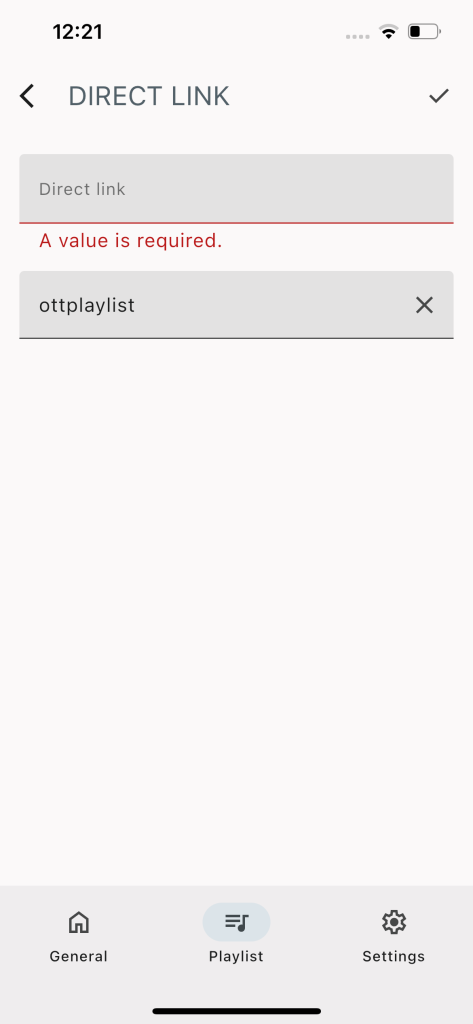
4. Add the playlist and wait a few moments for the content to load. After that, you can start watching.
Alternative apps
Televizo:
Televizo offers many features, such as catch-up and Chromecast, to display content on a larger screen. The application also supports multiple playlists, EPG for following programs, quick search, channel sorting, favorites, and parental controls. It also allows users to choose video, audio, and subtitle tracks, providing a more practical, personalized, and enjoyable IPTV experience across different devices.
Pros :
- Supports multiple playlists easily.
- Chromecast works for bigger screens.
- Includes catch-up when available.
- Offers parental control options.
- Lets users choose subtitles.
Cons :
- Requires your own playlist.
- Catch-up depends on provider support.
- Some settings need manual setup.

Televizo
Tivimate :
TiviMate has a dedicated player for reading IPTV links and lists. It also supports adding content via an M3U file or server details, including the username and password. The app organizes channels by country, displays upcoming programs, and offers premium features such as recording, favorites, channel sorting, and the ability to watch content from the beginning.
Pros :
- Strong player for Android TV.
- Supports M3U and server login.
- Organizes channels by country.
- The premium version adds recording.
- Opens the last channel automatically.
Cons :
- Full features require Premium.
- Not ideal for iOS users.
- Needs provider login details.

Tivimate
Ibo player :
IBO Player is also compatible with multiple devices. It allows users to easily load playlists, supports IPTV and URL links, and offers practical organization for films and series. The application also supports EPG, resume playback, and fast channel switching. It works well on Smart TVs, Android TV, Fire TV Stick, smartphones, tablets, and TV Boxes, with several other useful features.
Pros :
- Works on many devices.
- Good for Smart TV users.
- Supports IPTV and URL links.
- Loads playlists quickly.
- Offers fast channel switching.
Cons :
- Usually paid after trial.
- No content comes included.
- MAC activation may be required.

Ibo player
Conclusion
Our team has tried to provide you with a comprehensive experience with the OTT Player app, including how it works, its main options, strengths, and limitations. We hope this guide has helped you better understand the application.
Feel free to share your opinions and experiences in the comments.
FAQ
Is the OTT Player suitable for beginners?
Yes, OTT Players can suit beginners because their interfaces are simple and the setup is usually clear. Once the playlist is added, users can access their channels and content without having to deal with complex options.
How can I update my OTT Player playlist?
You can update your OTT Player playlist by opening the playlist settings, editing the existing link, or adding a new one. After saving the changes, refresh the app and wait for the updated content to load.
Can the OTT Player work without an account?
In some versions or on some devices, the OTT Player may require an account to sync playlists and manage access. However, this may depend on the platform, so it is better to check the app settings during setup.

I’m Marin Key, a passionate English content writer with a background in computer science. I enjoy creating clear and engaging articles, especially on topics related to movies, TV series, and technology.